Duo Themes
Duo Themes / Wallpapers / Violet Halo
Violet Halo
A purple glow on black — the brightest of the dark wallpapers.
Duo Themes / Wallpapers / Violet Halo
A purple glow on black — the brightest of the dark wallpapers.
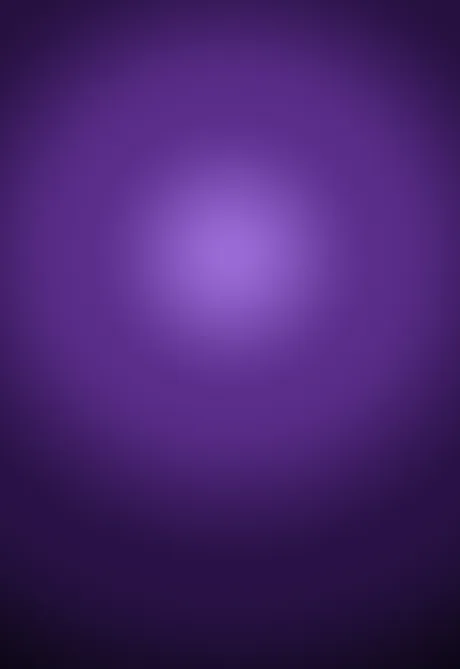
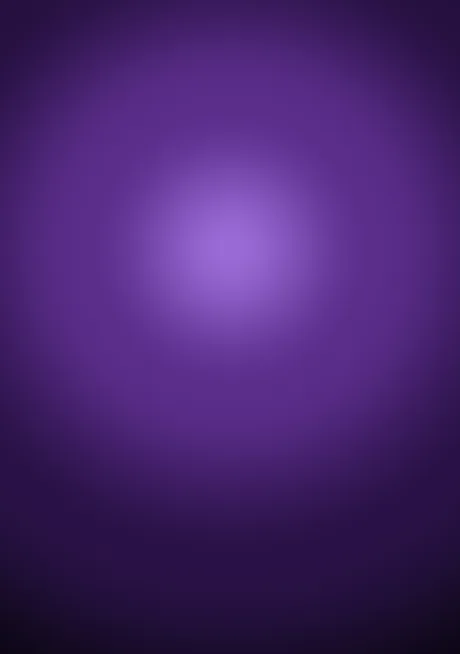
Free for personal use. Drawn by Duo Themes — no stock photography, no third-party artwork.
Violet Halo uses the same radial construction as Deep Sea with a louder palette: a lilac core bleeding into plum and then into black. It is the wallpaper for people who want colour on the Lock Screen without going to a photo.
Purple is the one hue that changes most between a small bright panel and a large one, which is why the inner file is mixed slightly cooler and the halo is drawn a little tighter. Side by side at the same brightness the two files look like the same wallpaper; stretched from one file they would not.
It handles the iOS Lock Screen depth effect badly for the same reason every gradient does — there is no subject for iOS to cut out — so expect a flat, clean clock rather than a layered one. If you want the depth effect, use a photo and keep this one for the Home Screen.
If it ends up cropped or zoomed, this is usually why.