Duo Themes
Duo Themes / Wallpapers / Topo Deep
Topo Deep
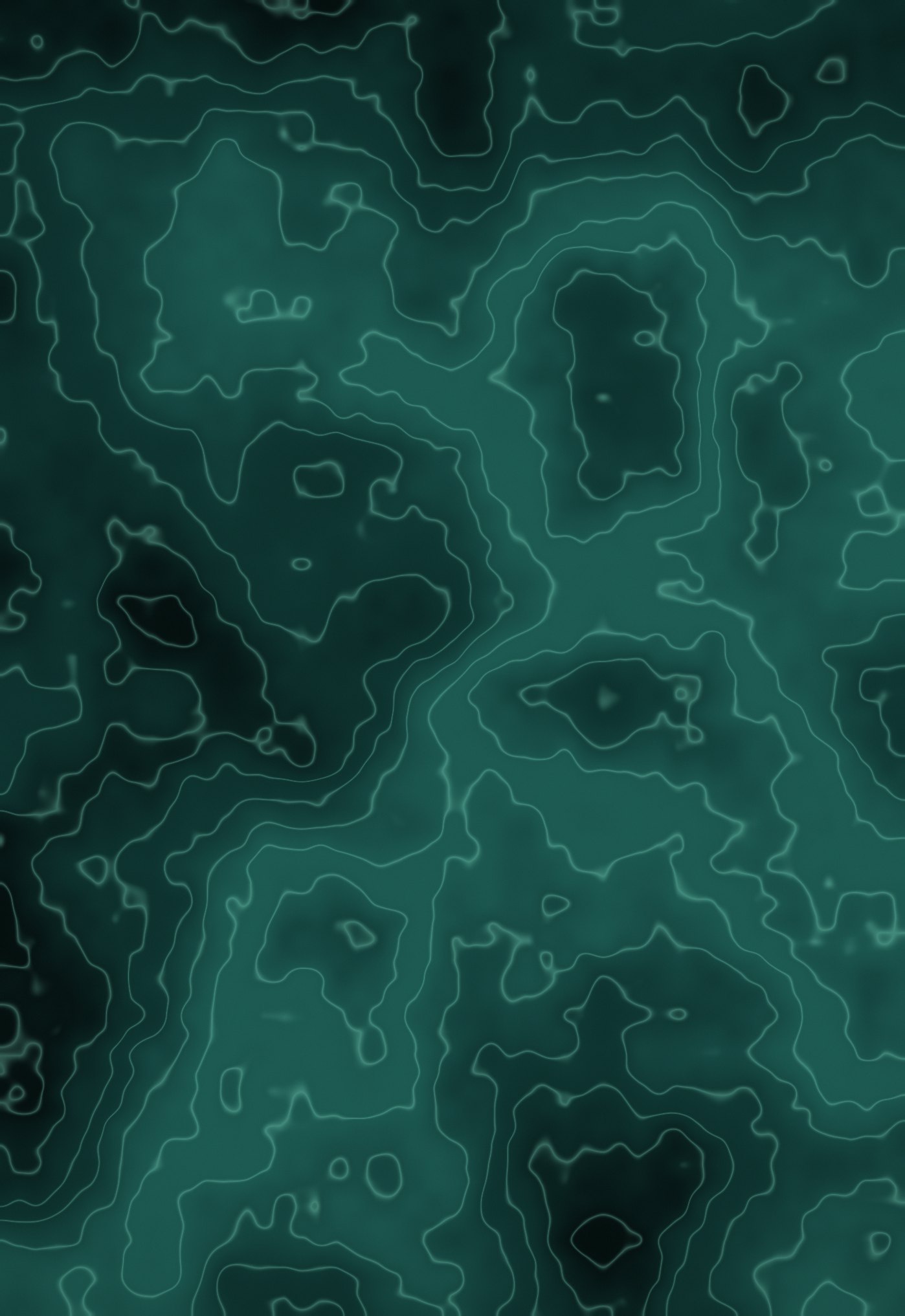
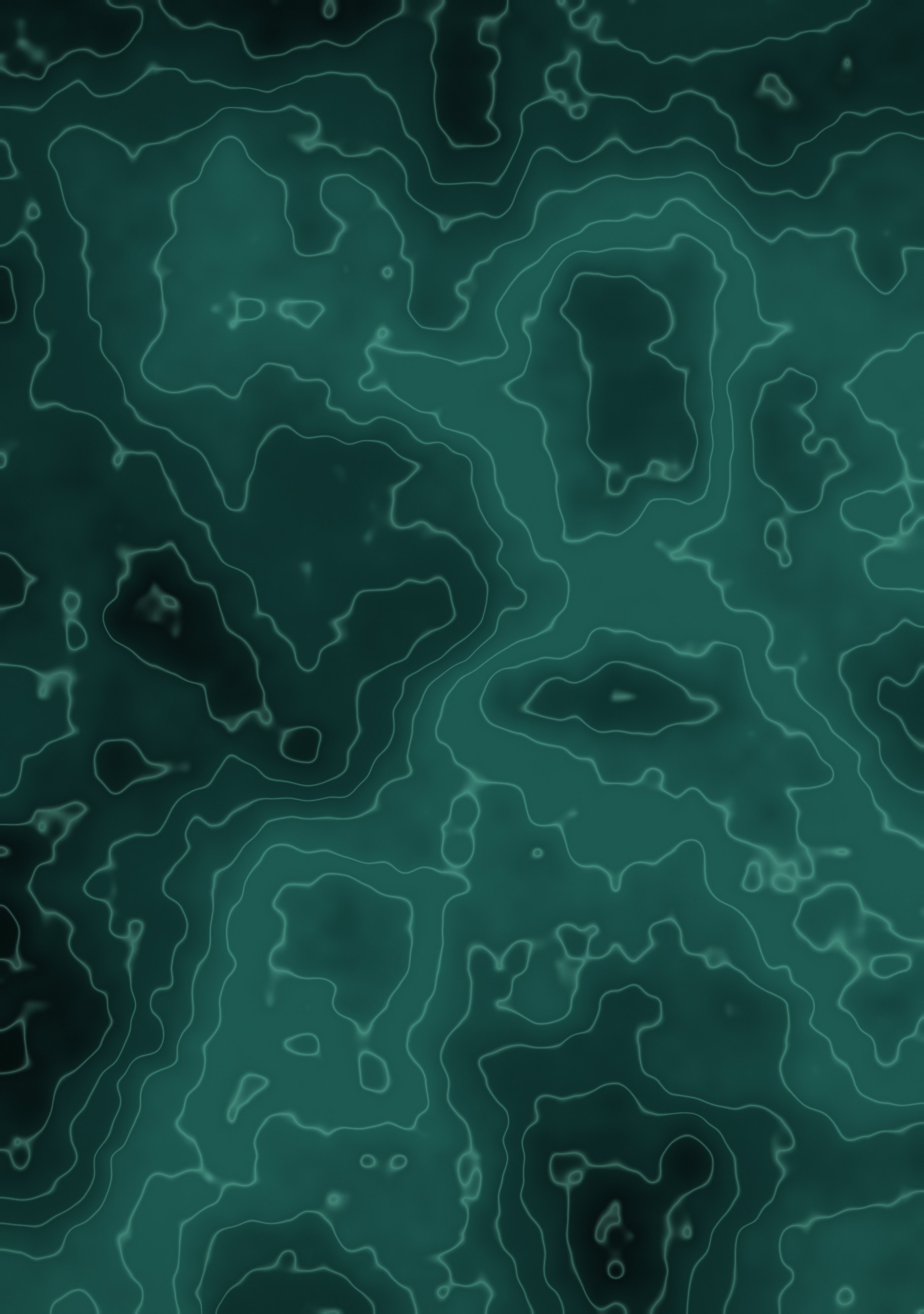
Topographic contour lines in jade over deep teal.
Duo Themes / Wallpapers / Topo Deep
Topographic contour lines in jade over deep teal.
Free for personal use. Drawn by Duo Themes — no stock photography, no third-party artwork.
Topo Deep renders a noise field as a contour map: thin jade lines tracing every elevation step across a teal ground. It is the most graphic wallpaper in the collection and the one that looks most like something designed rather than generated.
Contour spacing is set per screen so the lines stay the same physical thickness on both panels. At 460 ppi on the cover and 430 ppi inside, a line defined in pixels would be visibly finer on the smaller screen; defined physically, the two match.
If you like this but find it too busy behind apps, use it on the Lock Screen and pair the Home Screen with Carbon Grid, which has the same technical character at a fraction of the visual weight.
If it ends up cropped or zoomed, this is usually why.