Duo Themes
Duo Themes / Wallpapers / Topo Clay
Topo Clay
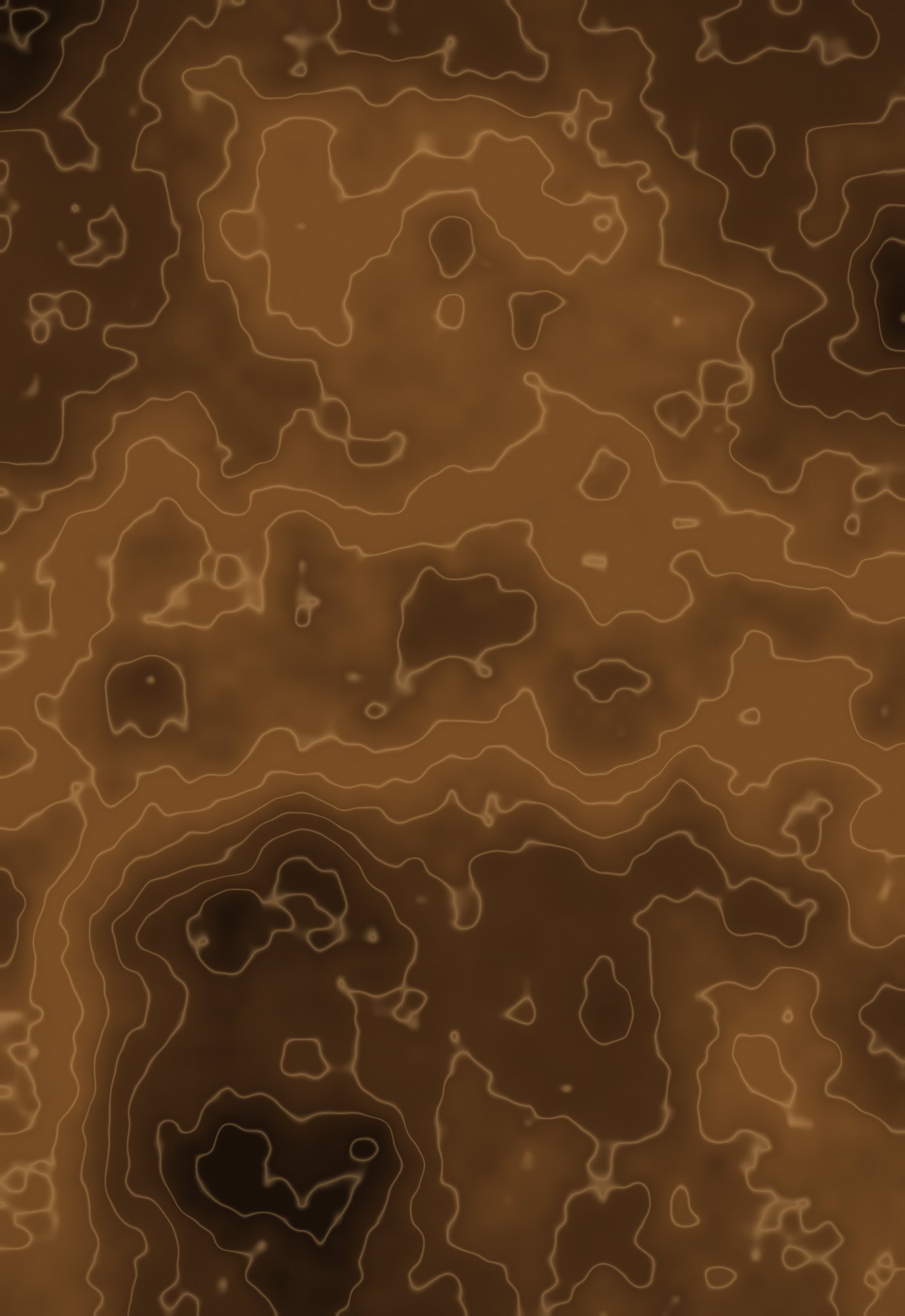
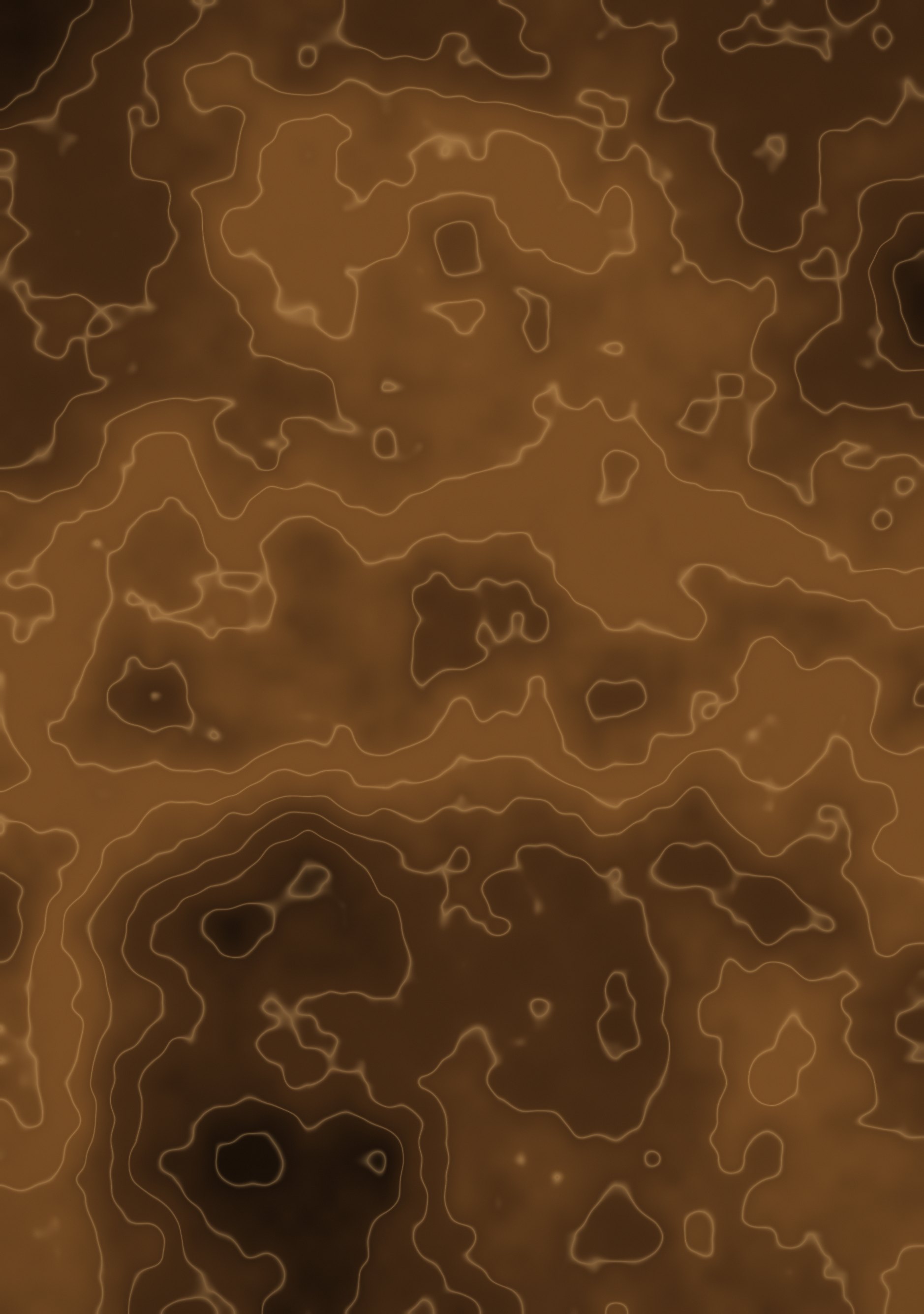
The same contour map in terracotta and warm sand.
Duo Themes / Wallpapers / Topo Clay
The same contour map in terracotta and warm sand.
Free for personal use. Drawn by Duo Themes — no stock photography, no third-party artwork.
Topo Clay is the warm version — terracotta ground, sand-coloured contour lines. It reads as an old survey map rather than a technical drawing, and it is noticeably easier on the eye at night than the teal one.
As with every pattern in this collection, the contours are drawn at each screen's own resolution so a line is the same physical width on both. Unfold the phone and the map simply continues at the same scale.
The contour interval is deliberately uneven, because a real survey map has closely spaced lines where the ground is steep and wide spacing where it is flat. Evenly spaced contours look like a pattern; uneven ones look like terrain.
If it ends up cropped or zoomed, this is usually why.