Duo Themes
Duo Themes / Wallpapers / Ink Marble
Ink Marble
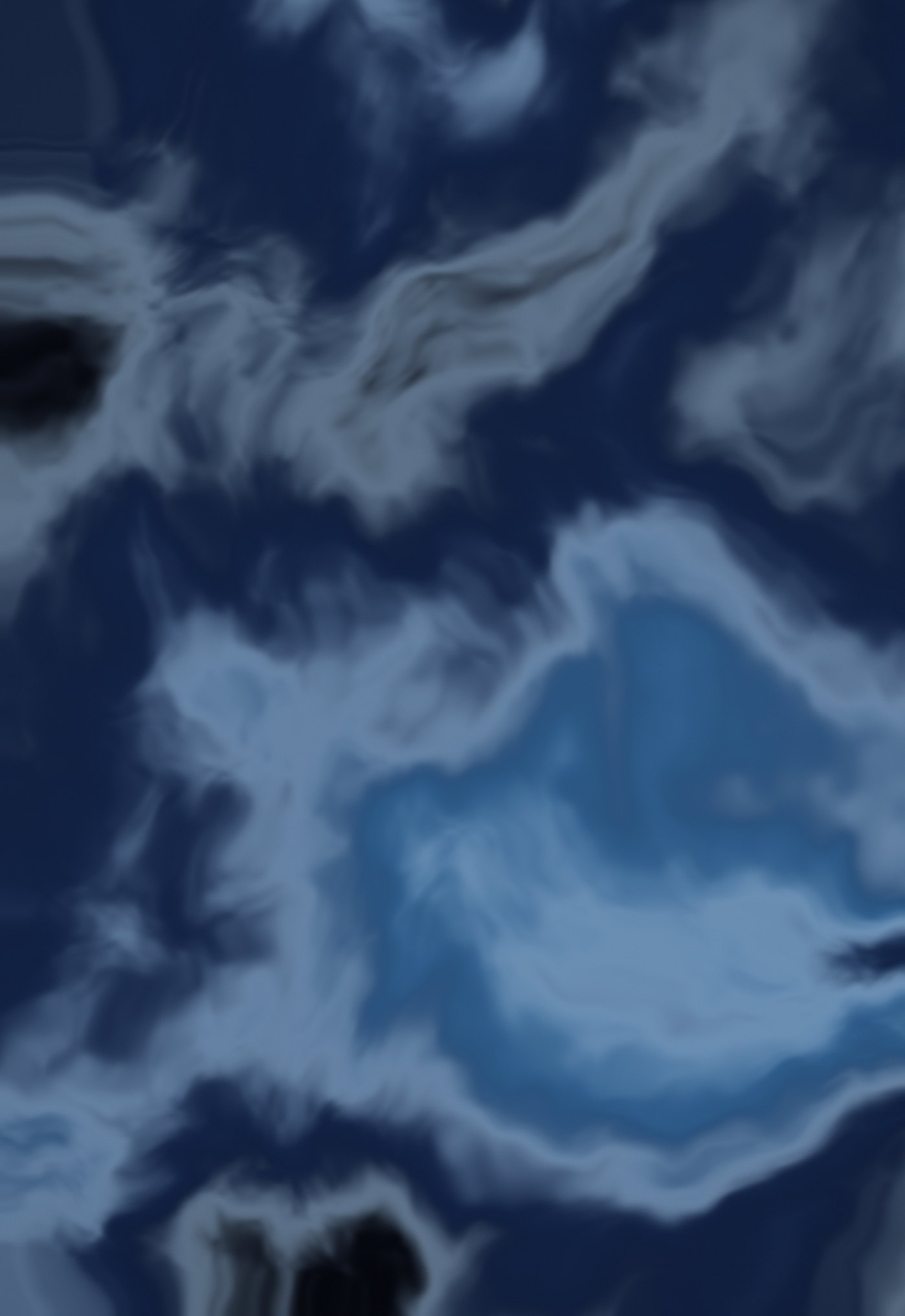
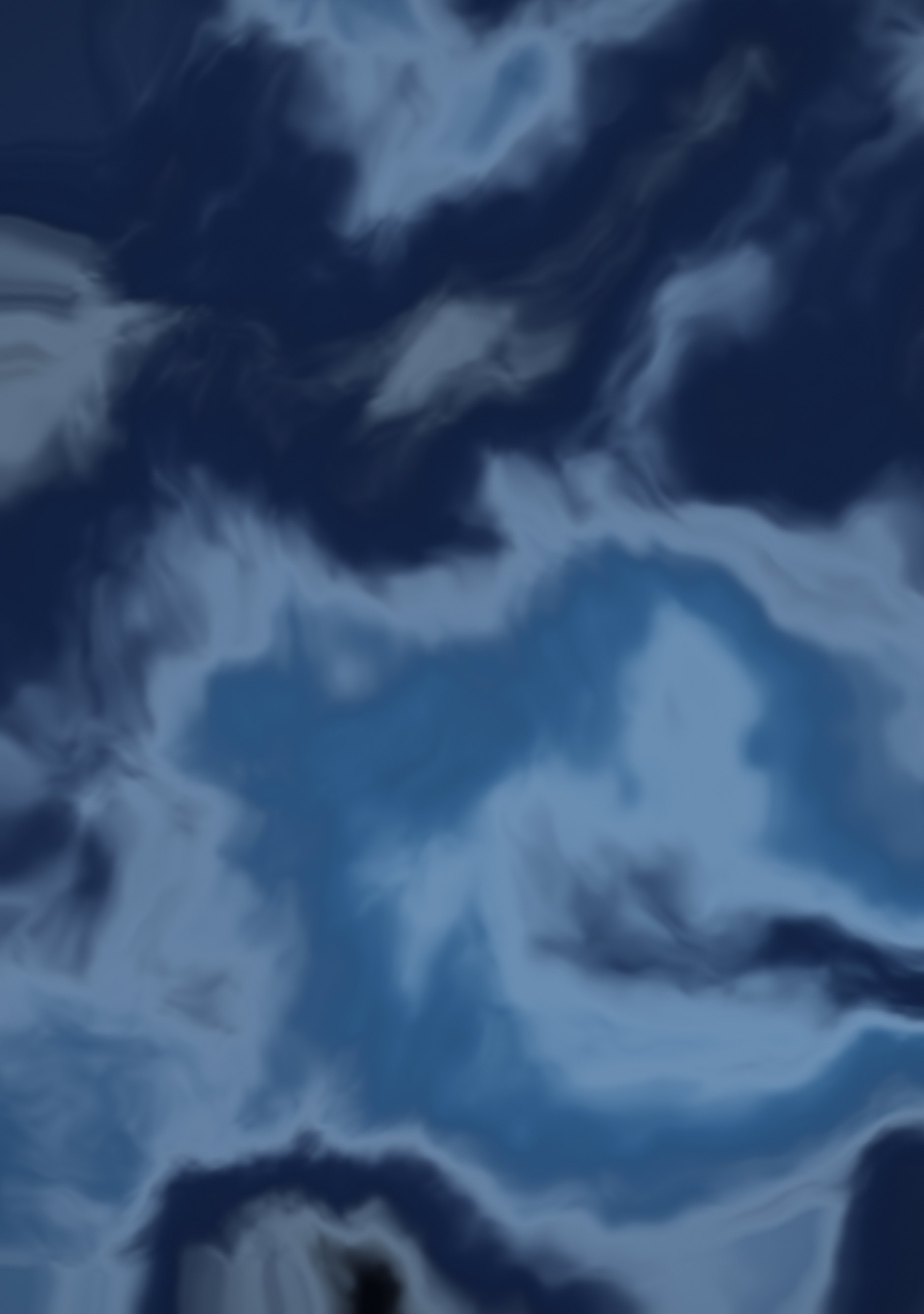
Blue and white ink swirled through dark water.
Duo Themes / Wallpapers / Ink Marble
Blue and white ink swirled through dark water.
Free for personal use. Drawn by Duo Themes — no stock photography, no third-party artwork.
Ink Marble is made by warping a noise field through two other noise fields — the same technique used for marble and ink-in-water effects in rendering. The result is pale blue veins curling through a dark navy ground, with no two regions alike.
It is the most detailed wallpaper here, which means it rewards the inner screen. On the 7.6‑inch panel you can see structure that simply does not fit on the cover screen, so the two files are composed to put the most interesting region where each screen can show it.
Every region of this image is different, which has one practical consequence: where you position the crop genuinely changes the wallpaper. If the default framing does not work for you, the wallpaper maker will not help here, but downloading both files and repositioning them in the iOS picker will.
If it ends up cropped or zoomed, this is usually why.