Duo Themes
Duo Themes / Wallpapers / Night Ridges
Night Ridges
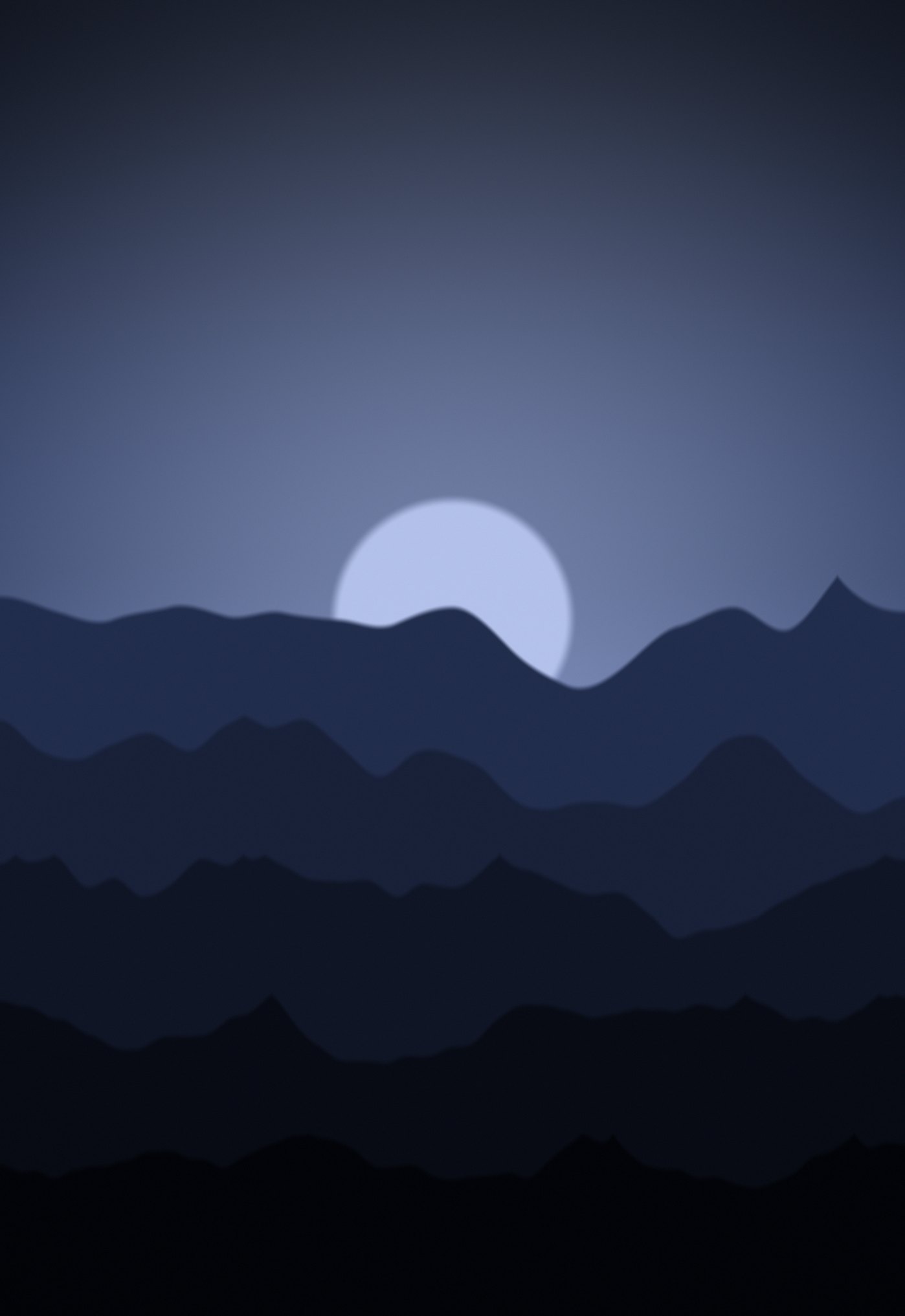
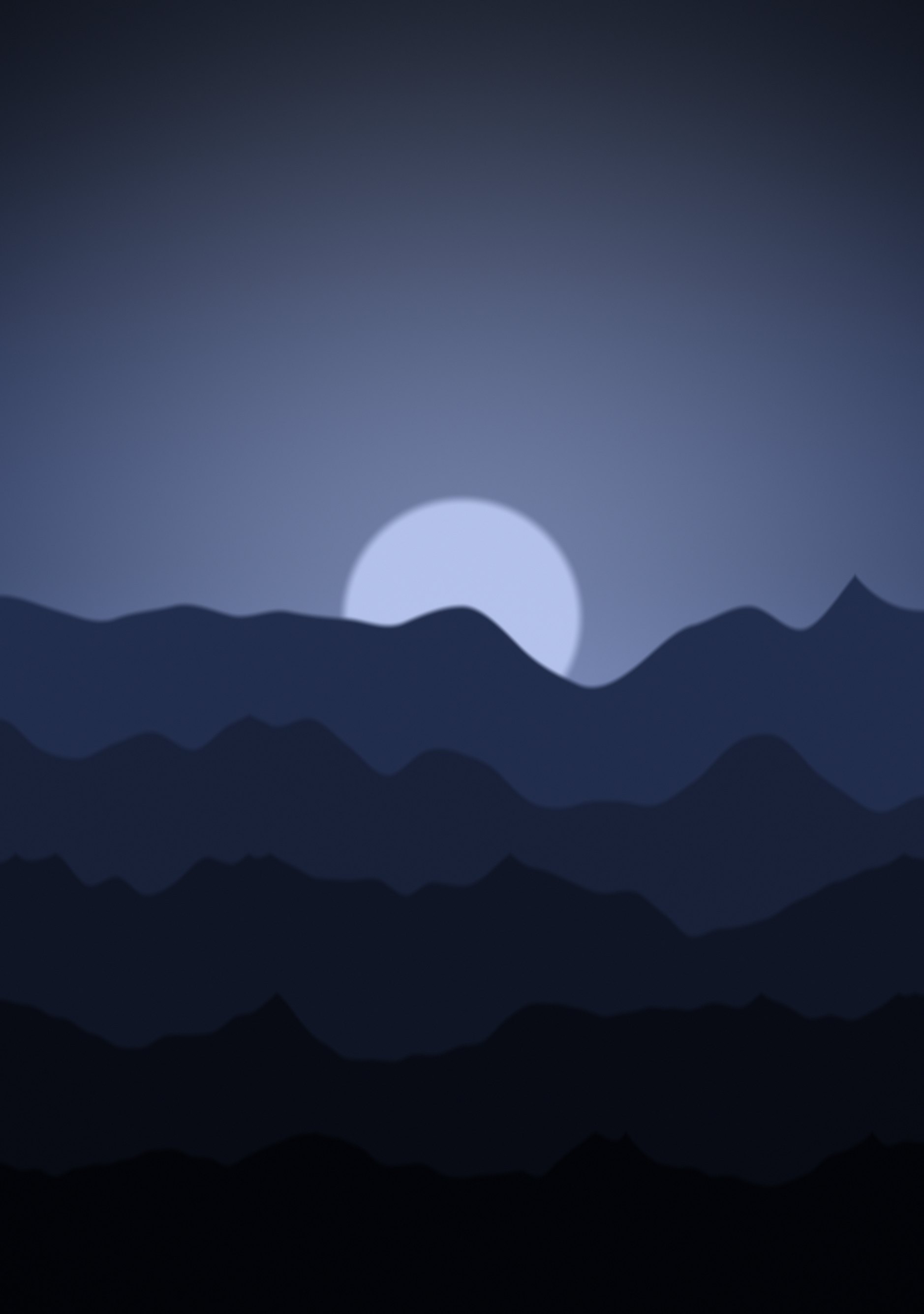
Cold blue ridgelines under a pale moon — the quietest of the three.
Duo Themes / Wallpapers / Night Ridges
Cold blue ridgelines under a pale moon — the quietest of the three.
Free for personal use. Drawn by Duo Themes — no stock photography, no third-party artwork.
Night Ridges is the same construction in deep blue, with a moon rather than a sun and the haze cooled right down. It is the darkest of the three landscape pairs and the easiest to live with on a full Home Screen, because the ridges flatten into near-black below the middle of the frame.
That lower darkness is doing real work: your icon grid sits on an almost flat field, so the landscape reads as a backdrop instead of competing with your apps.
Of the sixteen new pairs this is the one we would pick for a phone you actually use all day rather than one you show people. It has a picture in it, but the picture stays out of the way.
If it ends up cropped or zoomed, this is usually why.