Duo Themes
Duo Themes / Wallpapers / Dawn Ridges
Dawn Ridges
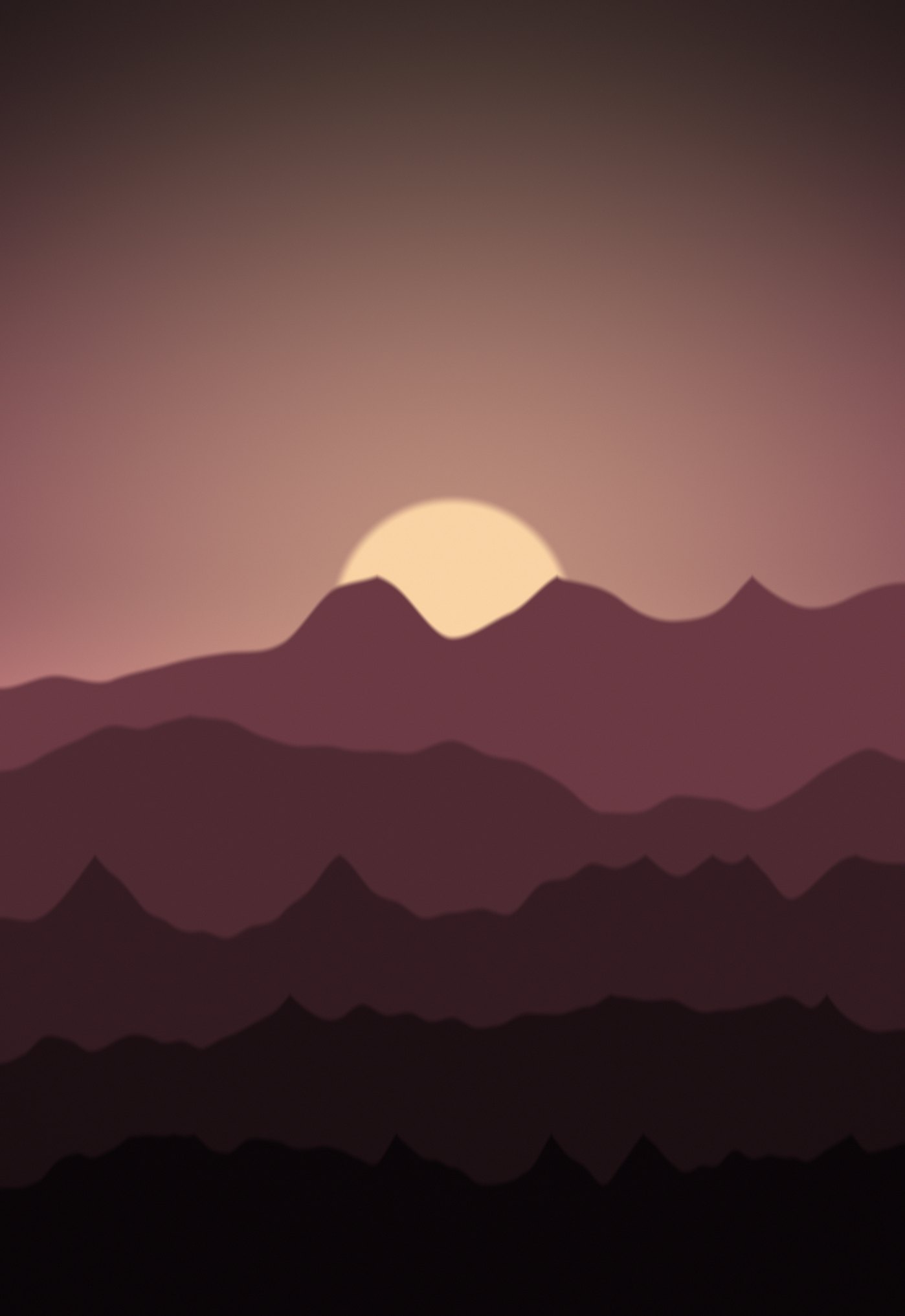
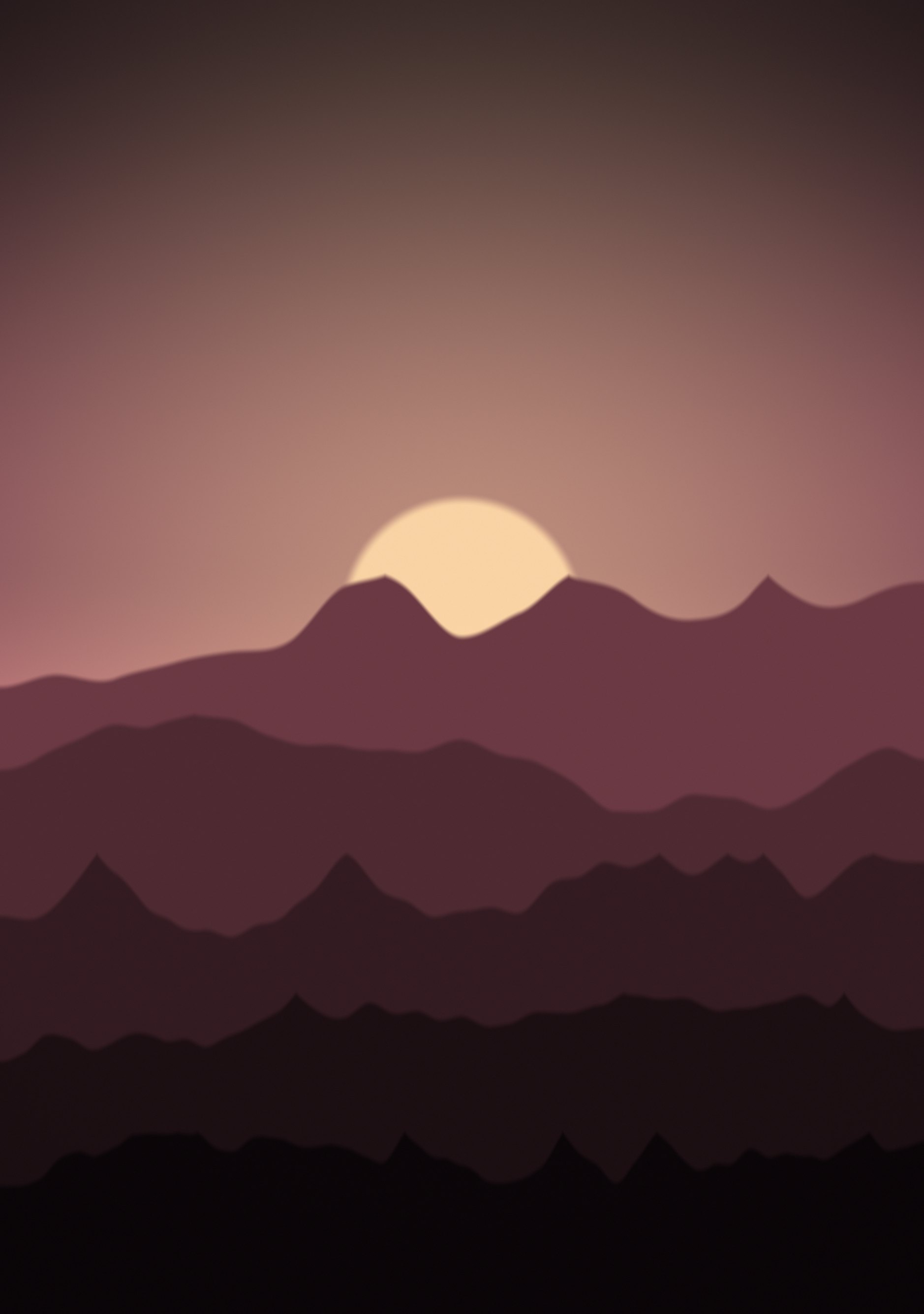
The same ridgelines at sunrise — rose, clay and warm gold.
Duo Themes / Wallpapers / Dawn Ridges
The same ridgelines at sunrise — rose, clay and warm gold.
Free for personal use. Drawn by Duo Themes — no stock photography, no third-party artwork.
Dawn Ridges is the sunrise version: a gold sun low behind rose and clay ridges, with the haze warming as it recedes. Of the three landscape pairs this is the one that looks least like a phone wallpaper and most like a photograph, which is the point.
It is bright across the middle band, so keep widgets to the upper or lower third where the image stays dark. Dark widget text works better here than light.
If you use the Lock Screen depth effect, this one will not trigger it: iOS needs a clear foreground subject to cut out, and a landscape drawn in layers does not give it one. You get a clean, unobstructed clock instead, which on a wallpaper this busy is arguably the better outcome.
If it ends up cropped or zoomed, this is usually why.