Duo Themes
Duo Themes / Wallpapers / Misty Ridges
Misty Ridges
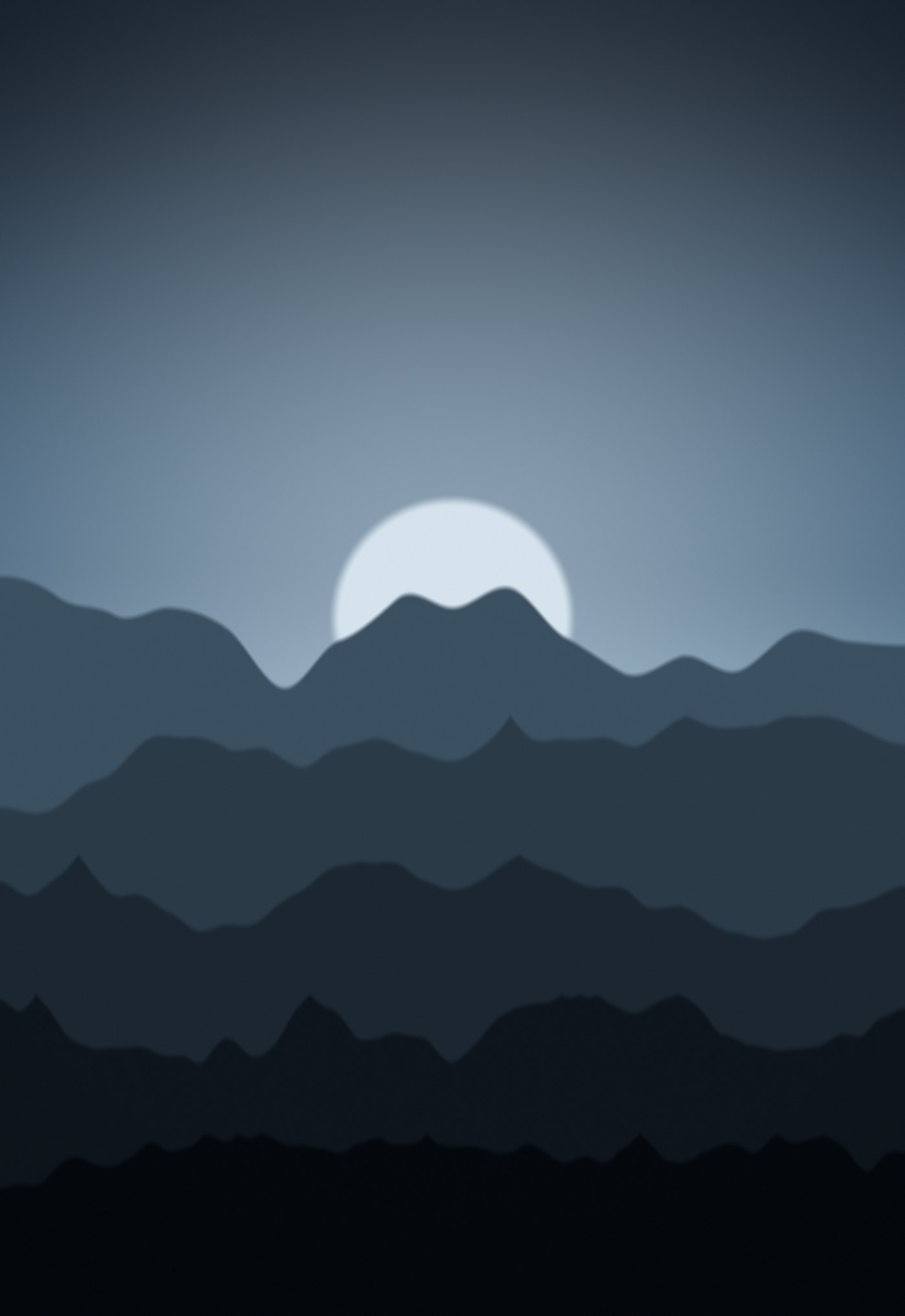
Five layers of mountain ridge fading into blue haze, pale sun behind.
Duo Themes / Wallpapers / Misty Ridges
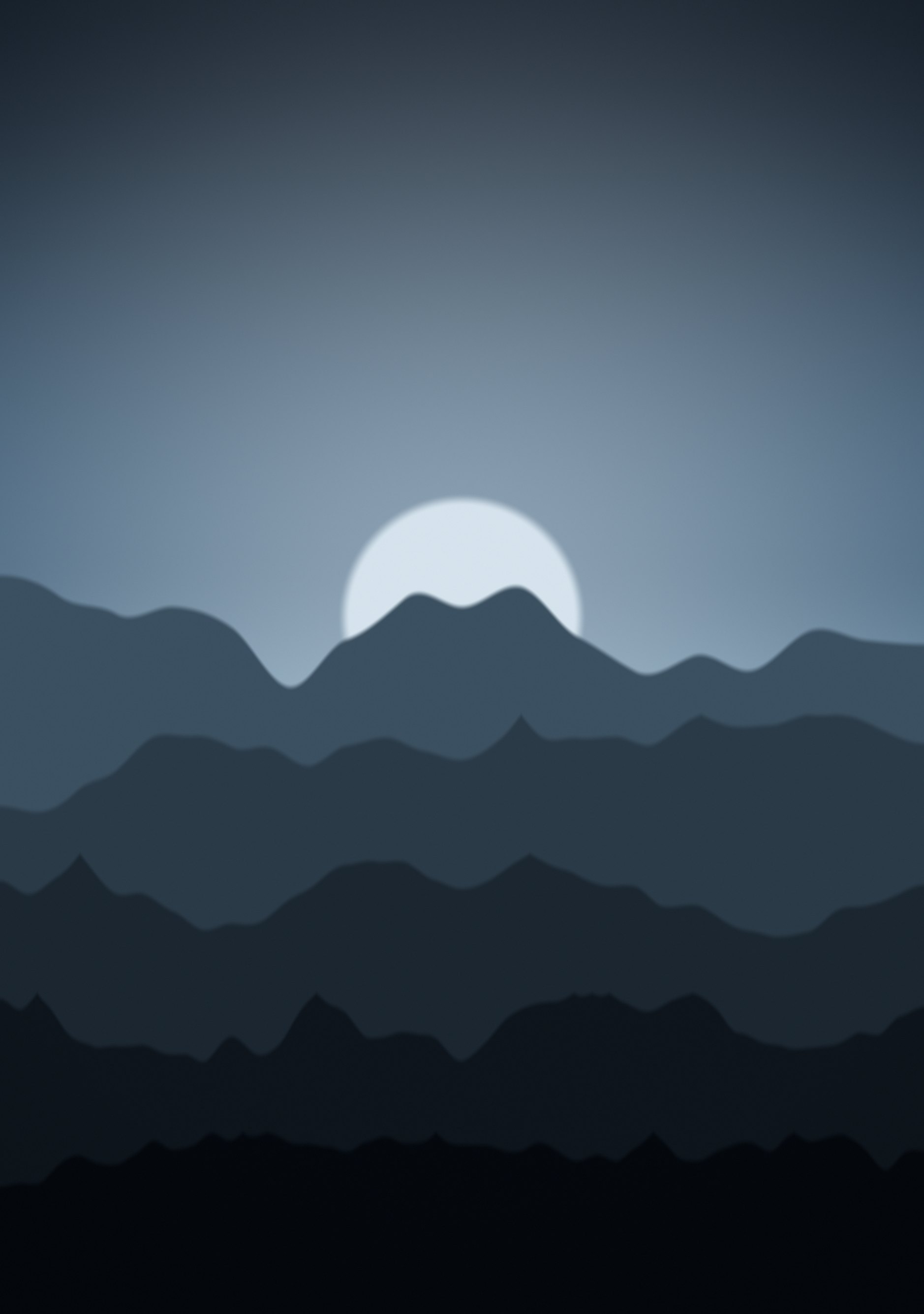
Five layers of mountain ridge fading into blue haze, pale sun behind.
Free for personal use. Drawn by Duo Themes — no stock photography, no third-party artwork.
Misty Ridges draws five ridgelines from ridged fractal noise, each one nearer and darker than the last, with atmospheric haze mixed into the far layers the way distance actually desaturates a landscape. A pale sun sits just above the first ridge.
The ridge heights are recomputed per screen rather than scaled. On the shorter cover screen the layers are packed closer together and the sun sits lower; on the inner screen they spread out. Scaling one file would have squashed the sky and pushed the sun into the clock.
The haze is not a filter laid over the top — each ridge layer is mixed toward the sky colour by an amount that falls off with distance, which is how aerial perspective actually works. That is why the far ridges read as far away rather than just as lighter shapes.
If it ends up cropped or zoomed, this is usually why.