Duo Themes
Duo Themes / Wallpapers / Emerald Nebula
Emerald Nebula
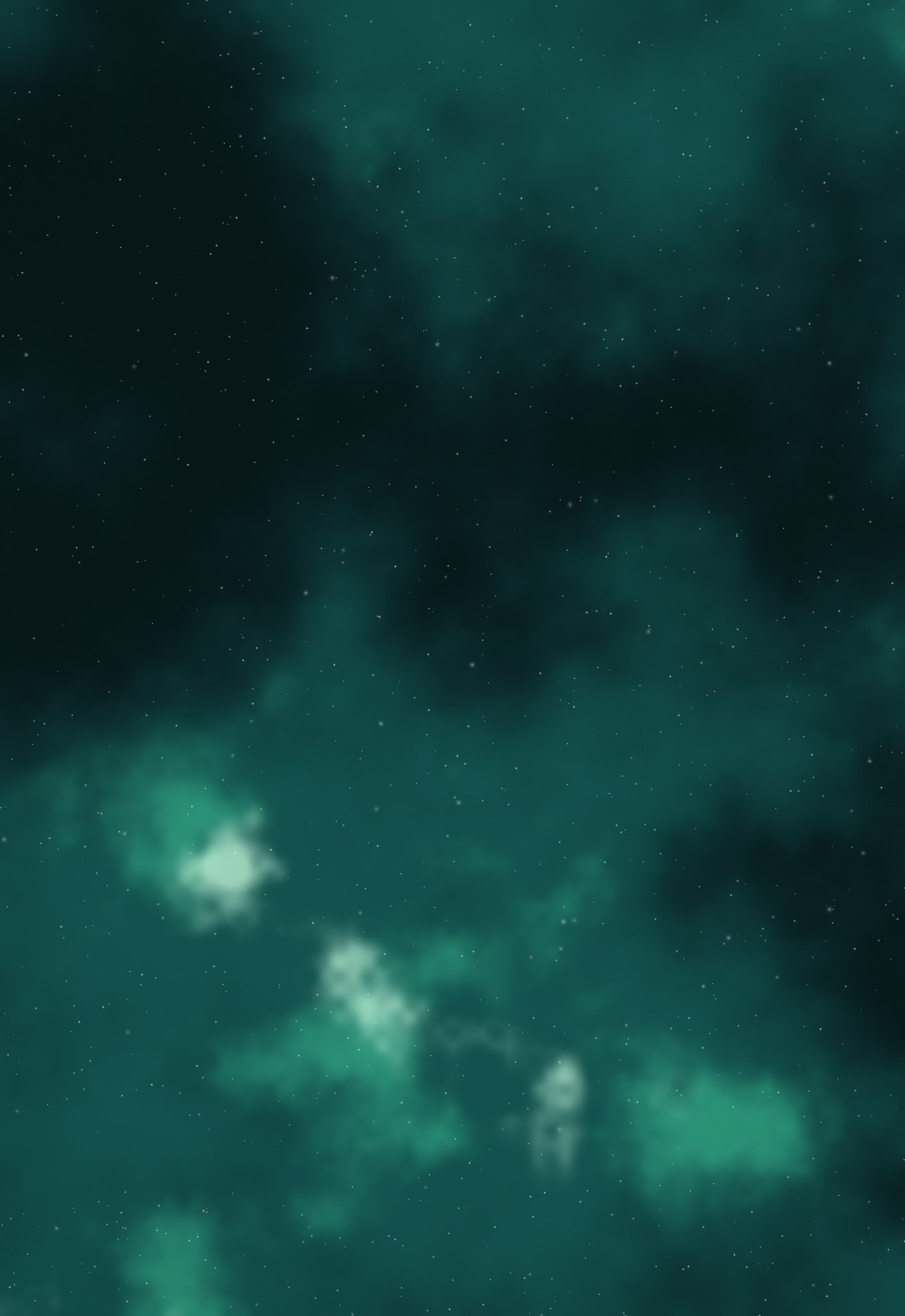
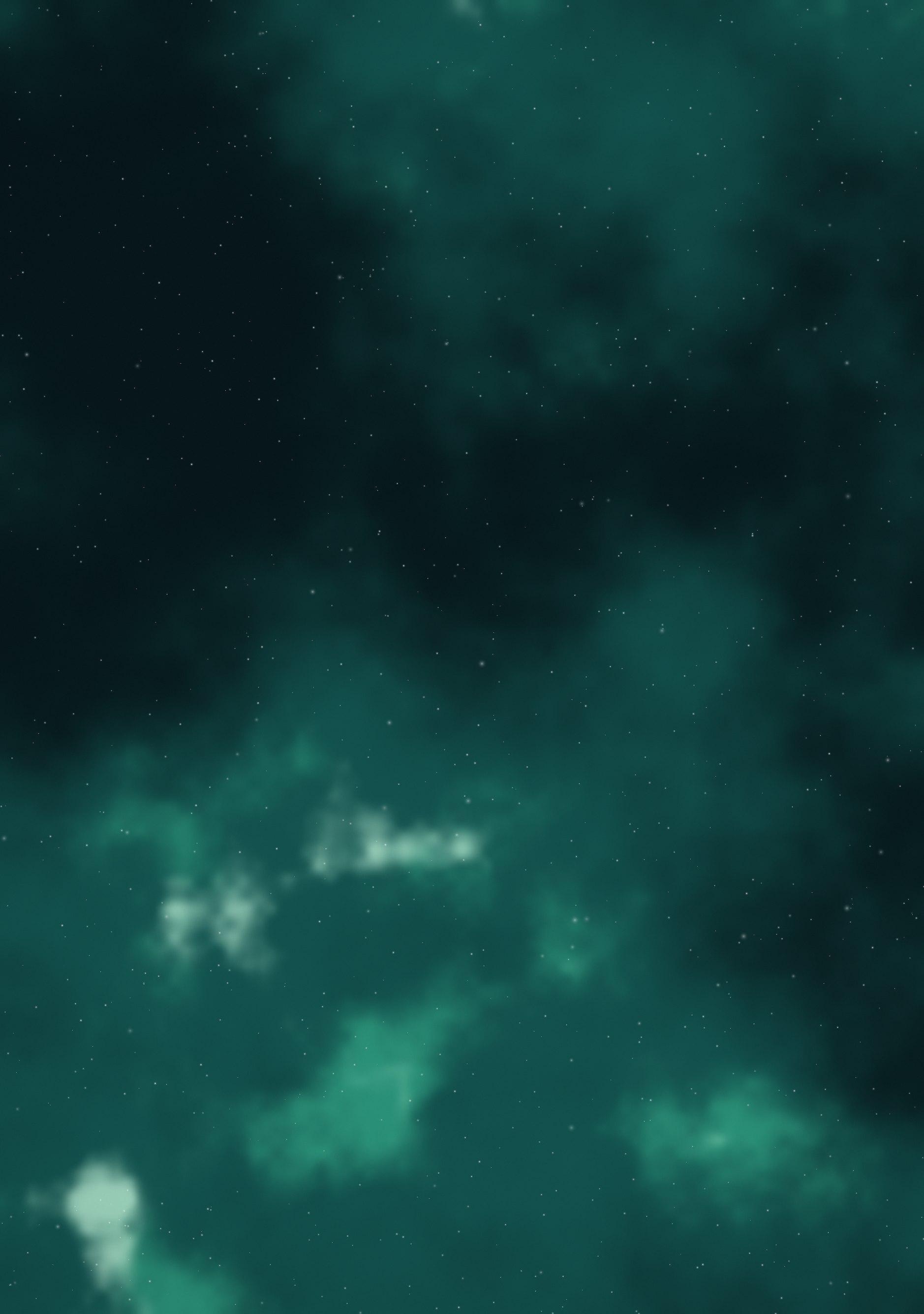
Teal and jade clouds with a bright core, deep green-black ground.
Duo Themes / Wallpapers / Emerald Nebula
Teal and jade clouds with a bright core, deep green-black ground.
Free for personal use. Drawn by Duo Themes — no stock photography, no third-party artwork.
Emerald Nebula is the least common of the three: green gas clouds against a green-black ground, with a pale jade core low in the frame. Green sits where the eye is most sensitive, so this reads brighter than its measured brightness suggests — useful if you want colour without raising screen brightness.
It is also the easiest of the three to put widgets on. Green backgrounds flatter neutral foregrounds, so white or bone-coloured widget text looks deliberate here rather than like a default.
One practical note: of the three nebulas this is the gentlest at night. Green needs less luminance than blue or red to read as the same brightness, so at a low screen setting it stays legible where a blue nebula turns into grey mush.
If it ends up cropped or zoomed, this is usually why.