Duo Themes
Duo Themes / Wallpapers / Ember Nebula
Ember Nebula
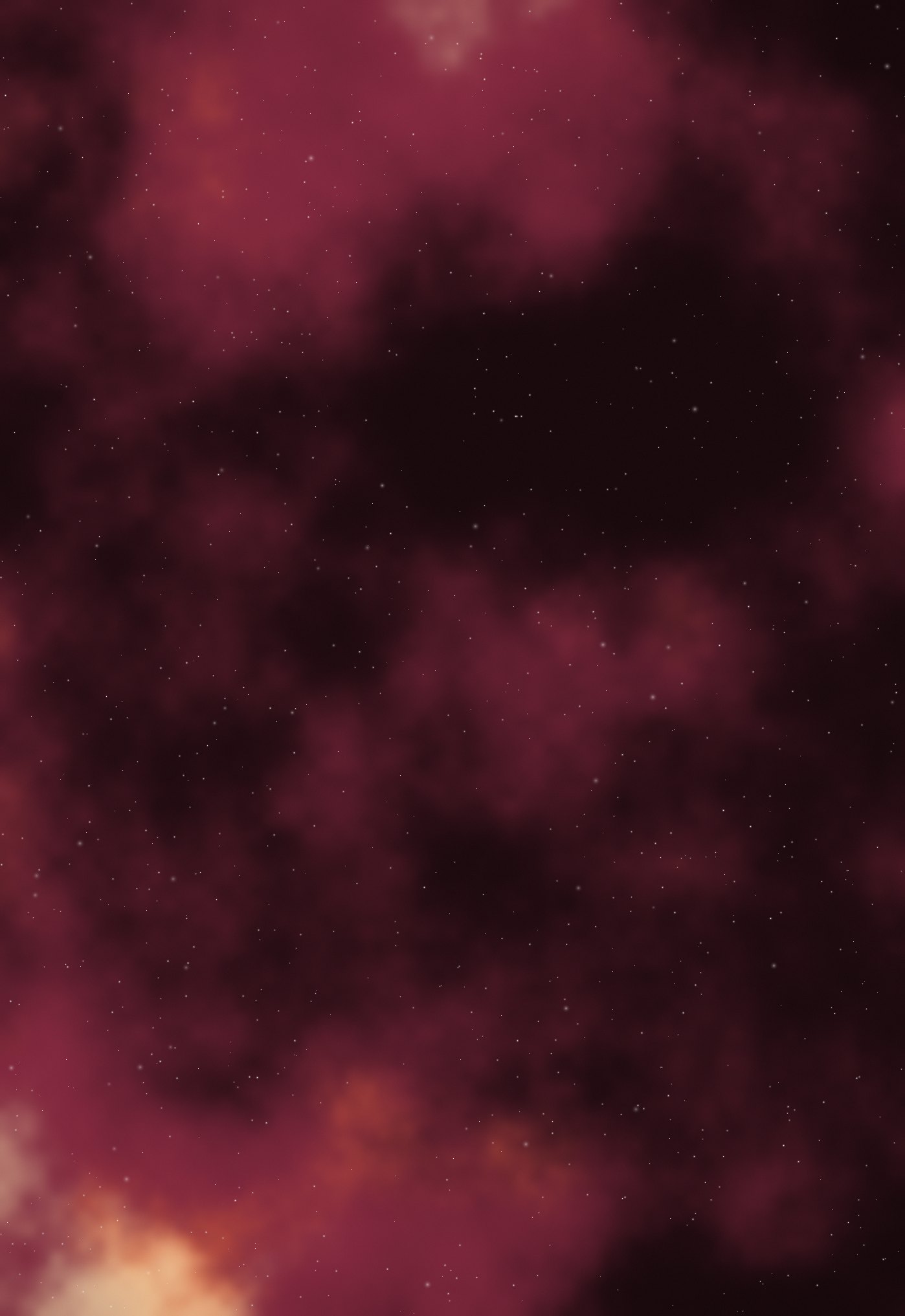
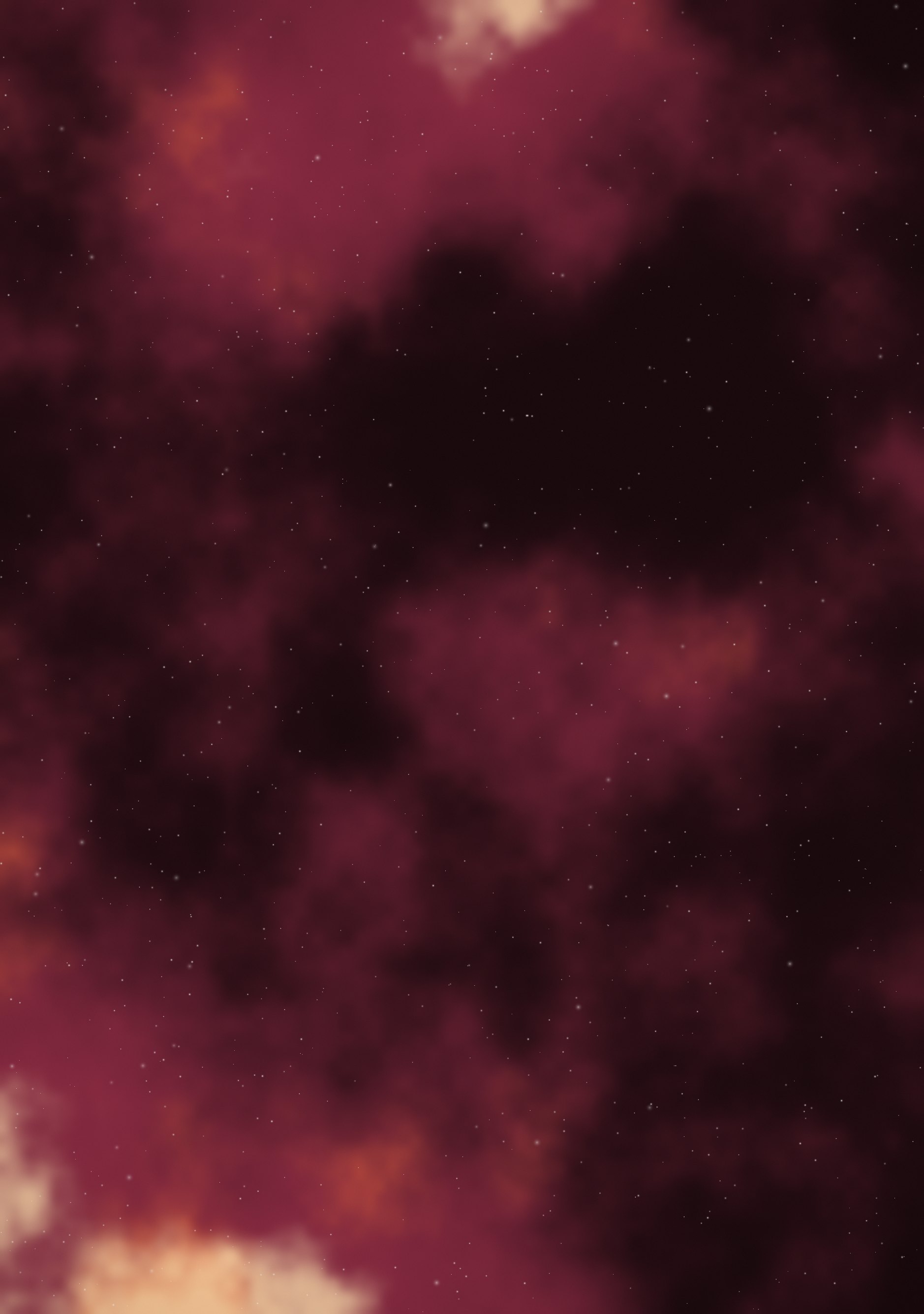
The same deep-space clouds in rust, crimson and warm gold.
Duo Themes / Wallpapers / Ember Nebula
The same deep-space clouds in rust, crimson and warm gold.
Free for personal use. Drawn by Duo Themes — no stock photography, no third-party artwork.
Ember Nebula trades the usual cold blues of space photography for rust, crimson and a gold core. It is the warm option for people who like the nebula look but find blue phones cold to live with.
Warm colour carries further at low brightness than cool colour does, so this one holds its character at night when a blue nebula would read as grey. The darkest band still runs across the top for the clock, and the brightest cloud sits low, under where your icon grid starts.
If you are theming icons to go with it, a single warm tint across the whole grid works better than matching individual app colours. Something near #D4542C picks up the brightest clouds without competing with them.
If it ends up cropped or zoomed, this is usually why.