Duo Themes
Duo Themes / Wallpapers / Nebula Drift
Nebula Drift
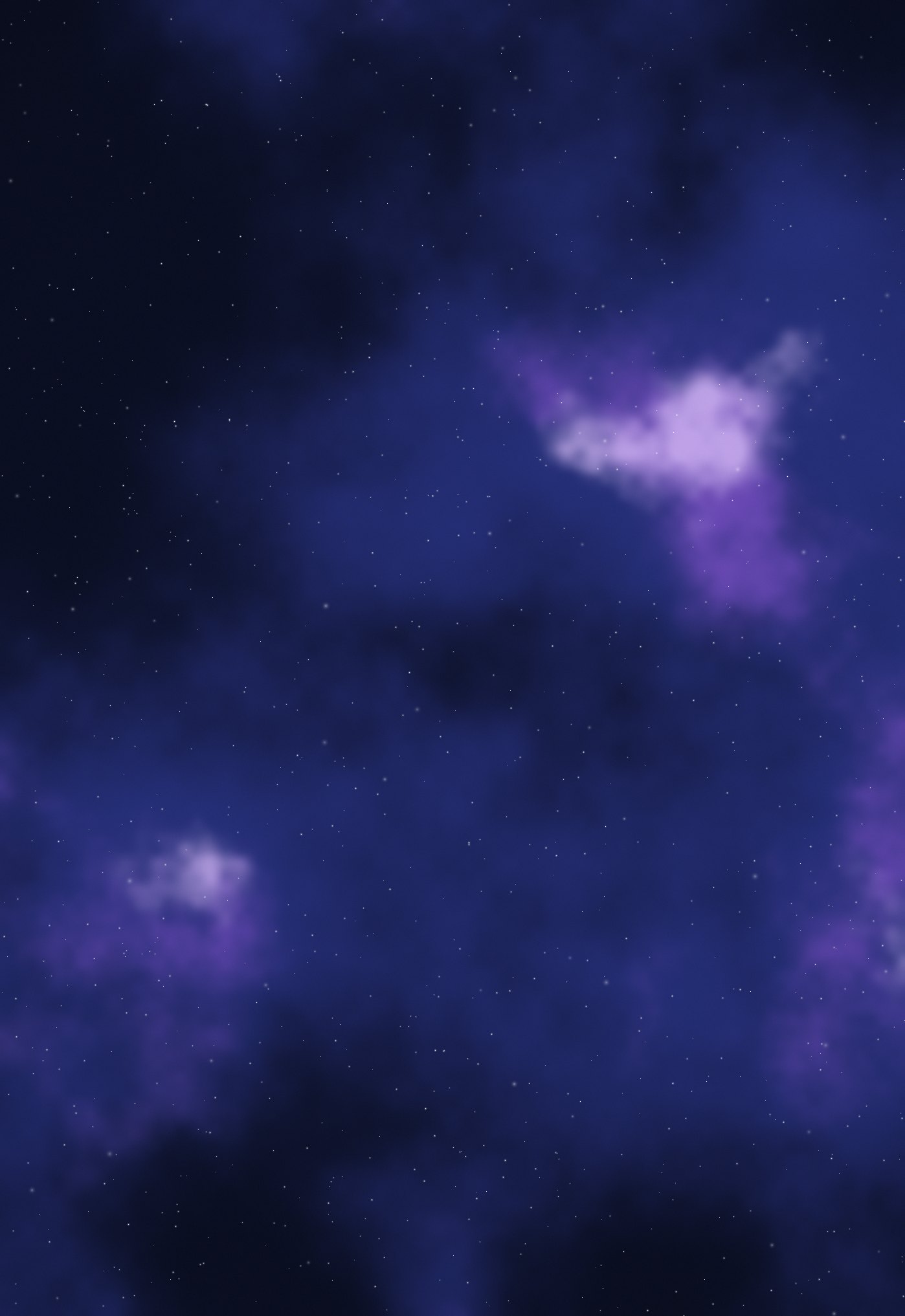
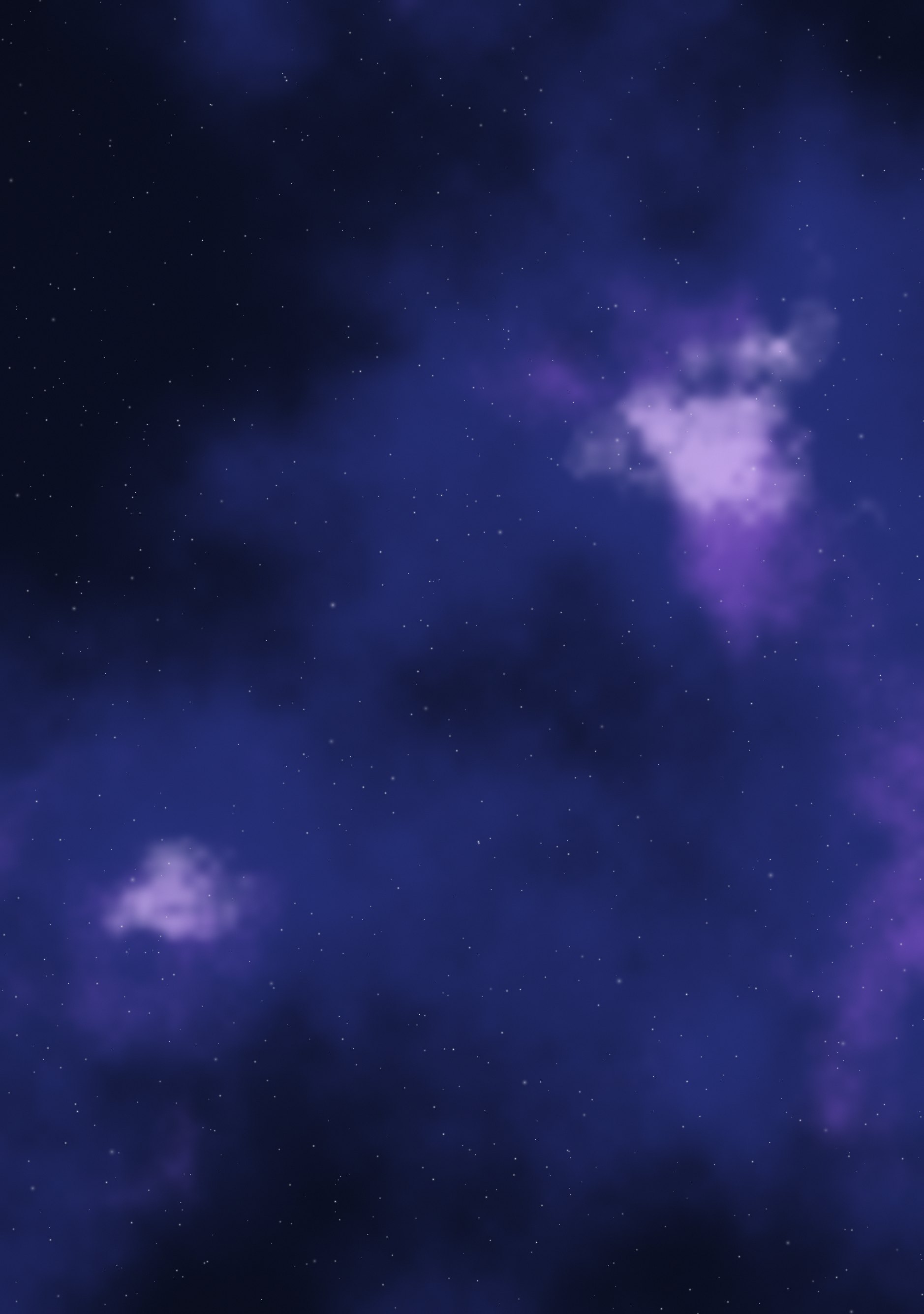
Violet and indigo gas clouds scattered with stars, on near-black.
Duo Themes / Wallpapers / Nebula Drift
Violet and indigo gas clouds scattered with stars, on near-black.
Free for personal use. Drawn by Duo Themes — no stock photography, no third-party artwork.
Nebula Drift is a field of violet and indigo cloud drawn with fractal noise, lit from inside and dusted with about a thousand stars. The clouds thin out toward the top of the frame, which is deliberate: that is where the clock and status icons sit, and a bright cloud behind white text is a wallpaper you stop using after two days.
The star field is the part that had to be drawn twice rather than scaled. Stars are a fixed size in pixels, so an image scaled up from the cover file to the inner screen would show noticeably fatter, softer stars on the bigger panel. Here each file gets its own stars at its own size, and the two screens keep the same sense of depth.
A note on the colour: the cloud is built from three mixed layers rather than one, so the violet never flattens into a single tone. If you want a widget that belongs on it, pull a colour from the brighter edge of a cloud rather than the core — around #5B3C9B — and use near-white text on it.
If it ends up cropped or zoomed, this is usually why.