Duo Themes
Duo Themes / Wallpapers / City Bokeh
City Bokeh
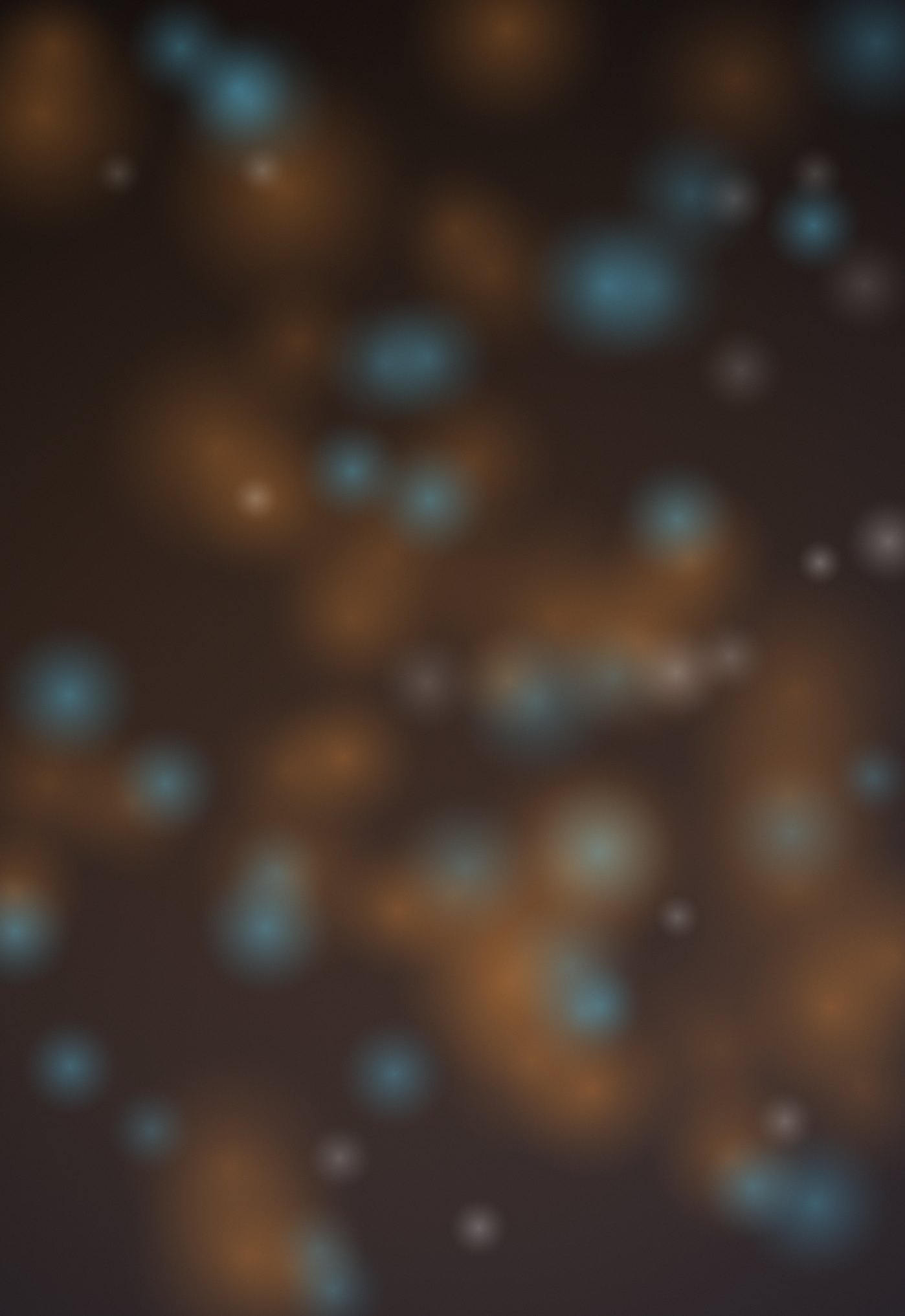
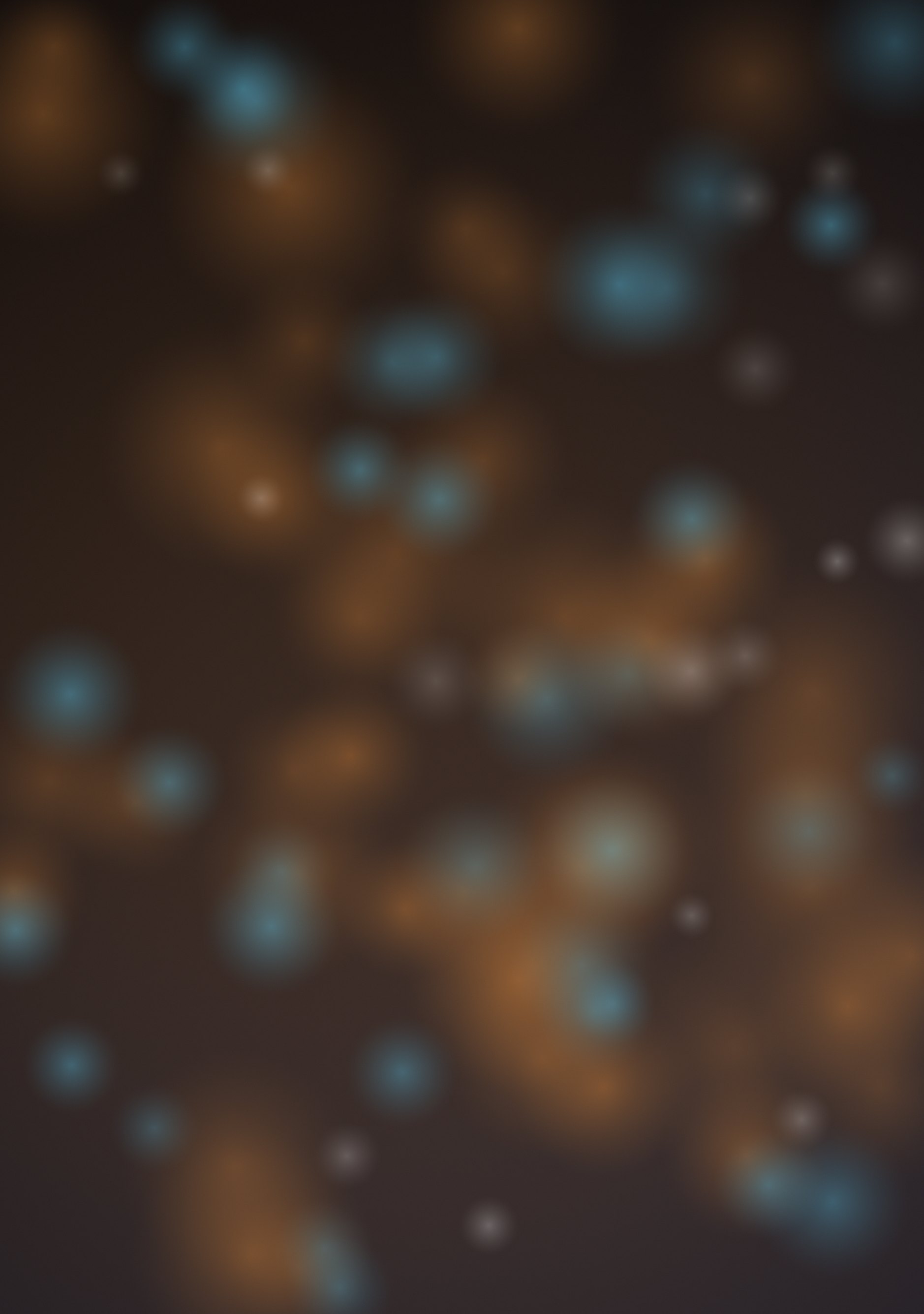
Out-of-focus amber and cyan lights on a dark blue night.
Duo Themes / Wallpapers / City Bokeh
Out-of-focus amber and cyan lights on a dark blue night.
Free for personal use. Drawn by Duo Themes — no stock photography, no third-party artwork.
City Bokeh is what a city looks like through a lens that is not focused on it: soft discs of amber and cyan light scattered across a dark blue field, larger and brighter toward the lower middle where the glow source sits.
The discs are drawn at a size proportional to each screen, so the blur circles are the same physical diameter on both panels. That matters more than it sounds — bokeh at the wrong scale immediately reads as a pattern rather than as depth of field.
Two colours of light rather than one is what makes this read as a city instead of as decoration. Streetlights are warm, screens and signage are cool, and a real night scene always contains both.
If it ends up cropped or zoomed, this is usually why.