Duo Themes
Duo Themes / Wallpapers / Amber Rays
Amber Rays
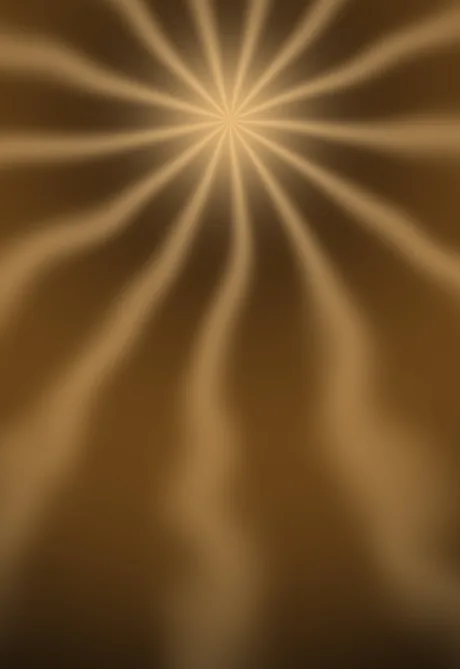
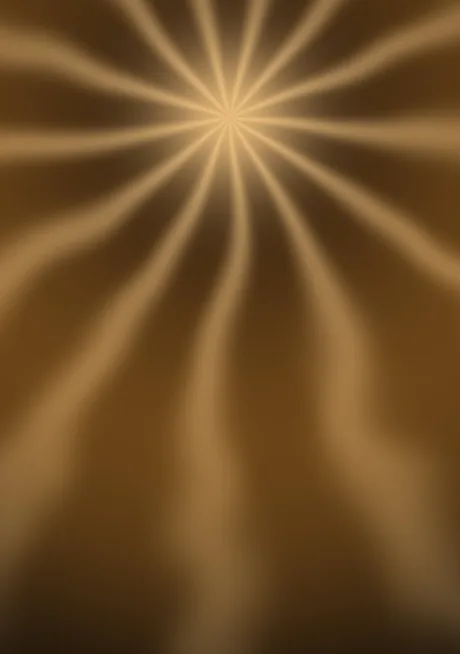
Light rays fanning out from a warm point near the top.
Duo Themes / Wallpapers / Amber Rays
Light rays fanning out from a warm point near the top.
Free for personal use. Drawn by Duo Themes — no stock photography, no third-party artwork.
Amber Rays fans thirteen soft beams out from a bright point set high in the frame, with the noise field breaking their edges so they do not look mechanical. The light falls off toward the corners, which frames your icons without any explicit vignette.
The source point sits at a different height in each file. On the cover screen it needs to be higher to clear the Lock Screen widgets; on the inner screen it drops toward the centre, where the larger grid balances it.
This is the only wallpaper here with a strong directional light, which means it has a definite top. If you rotate your phone to landscape for video the composition stops working — worth knowing if you watch a lot of content with the Home Screen showing between clips.
If it ends up cropped or zoomed, this is usually why.