Duo Themes
Duo Themes / Wallpapers / Moonlit
Moonlit
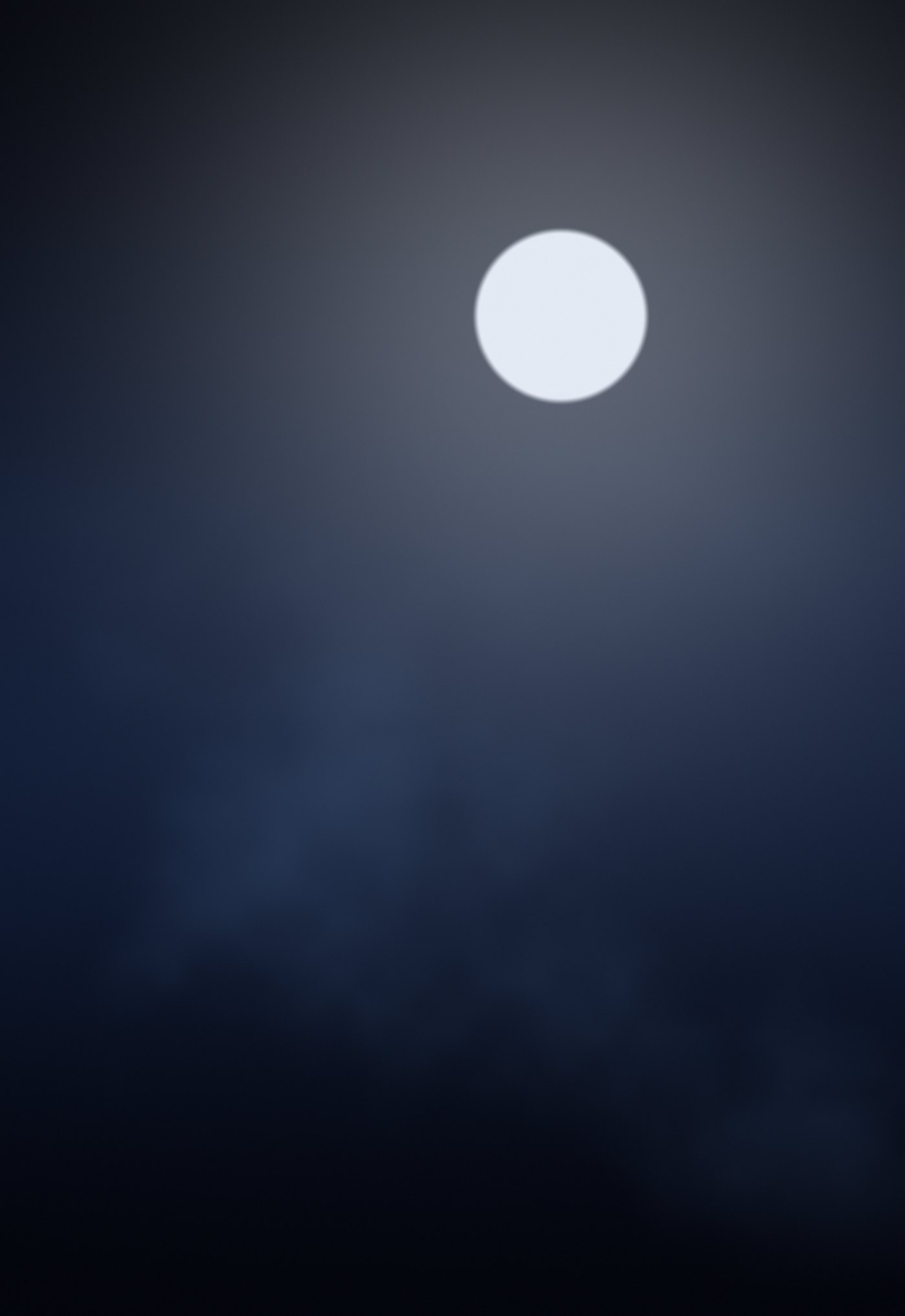
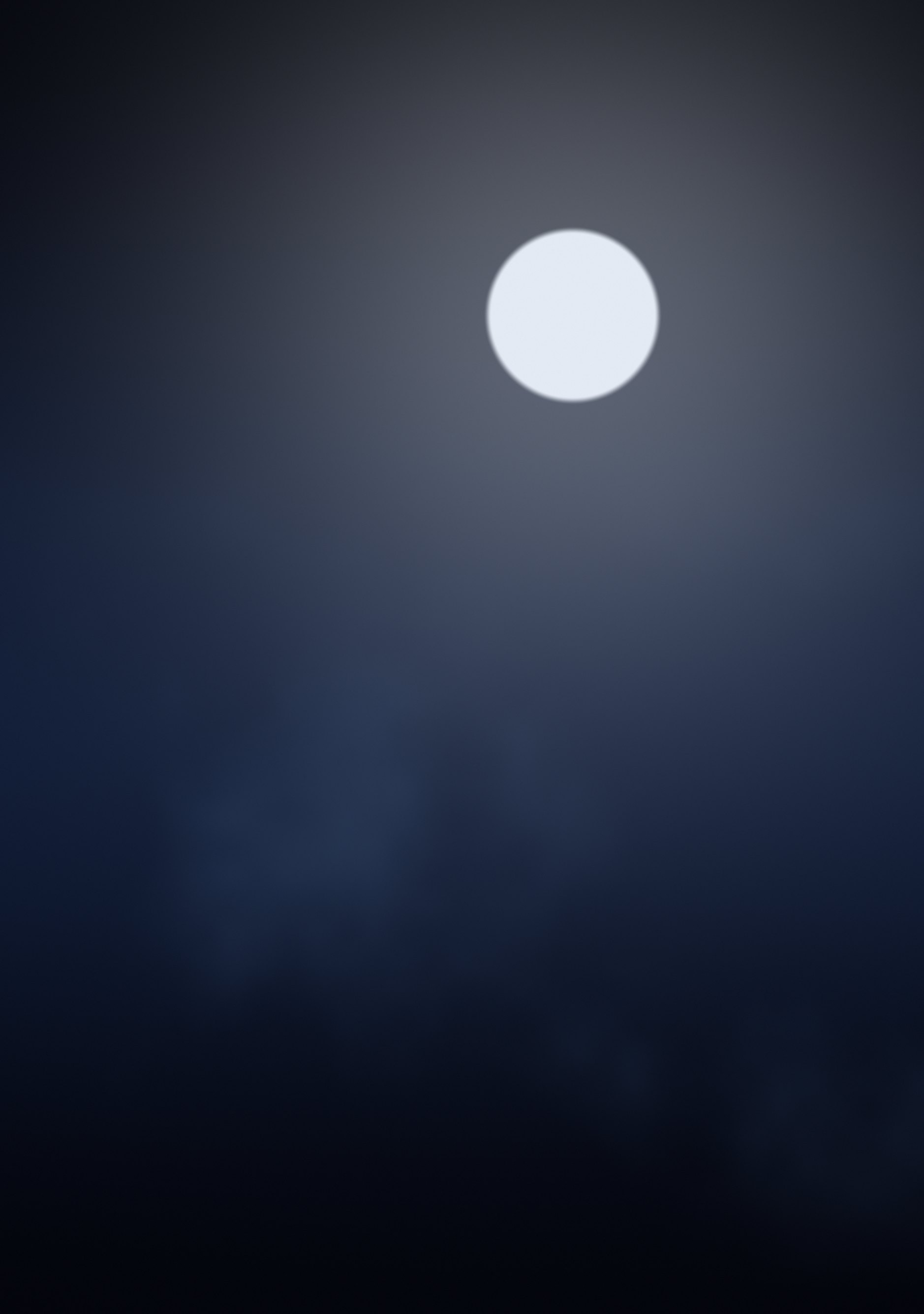
A full moon above low cloud, in cold blue and near-black.
Duo Themes / Wallpapers / Moonlit
A full moon above low cloud, in cold blue and near-black.
Free for personal use. Drawn by Duo Themes — no stock photography, no third-party artwork.
Moonlit is the quietest wallpaper in the collection: a small bright moon high and right of centre, a wide soft halo around it, and a band of cloud drifting across the lower middle. Everything else is near-black.
It is the one to pick if you want a picture rather than a pattern but do not want your Home Screen to be busy. The cloud band is the only detail, and it sits below where icons start.
The moon is placed off-centre on purpose. Centred, it collides with the clock on the Lock Screen and with the middle of your icon grid on the Home Screen; set right of centre and high, it has clear space in both.
If it ends up cropped or zoomed, this is usually why.