Duo Themes
Duo Themes / Wallpapers / Paper Ivory
Paper Ivory
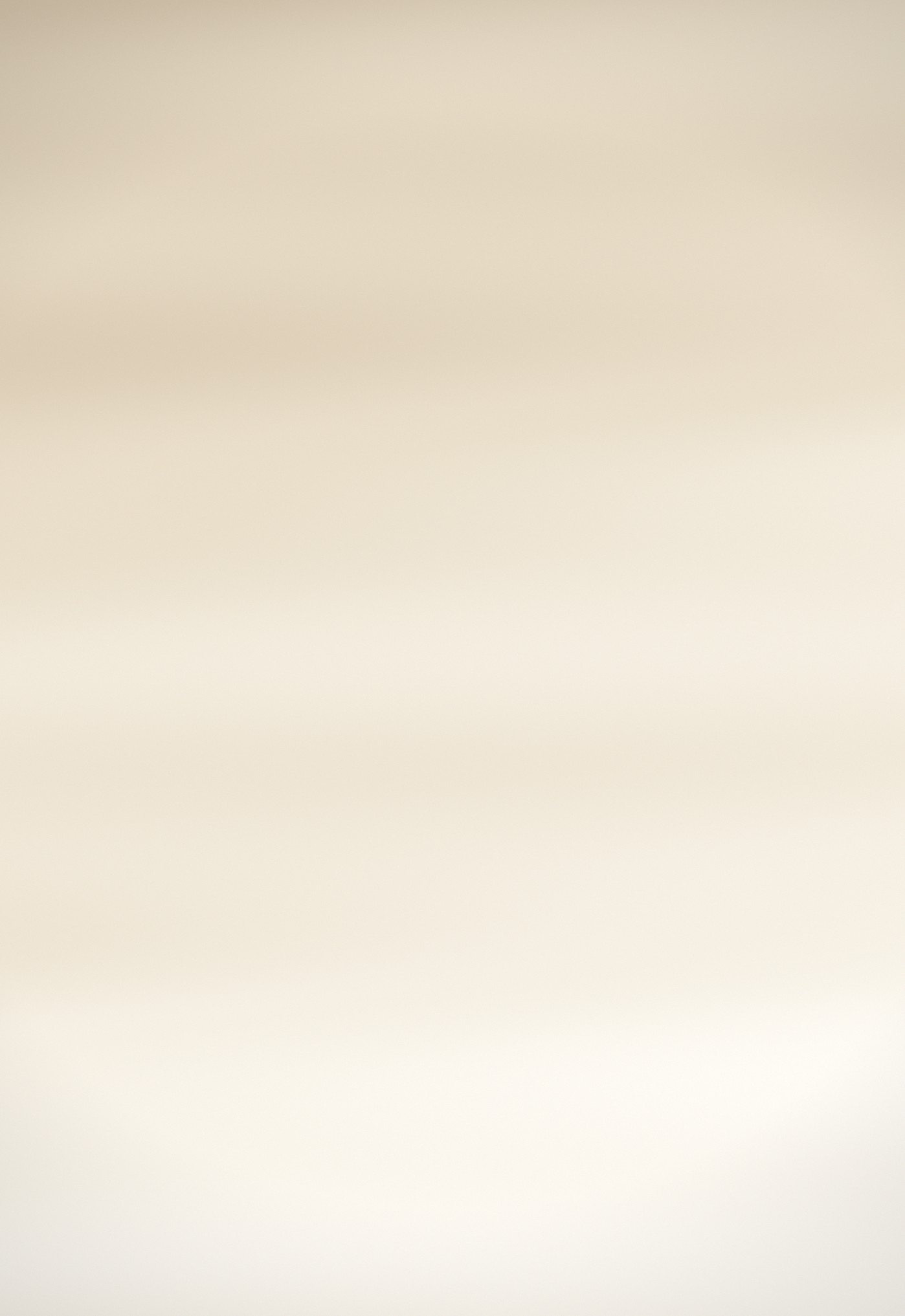
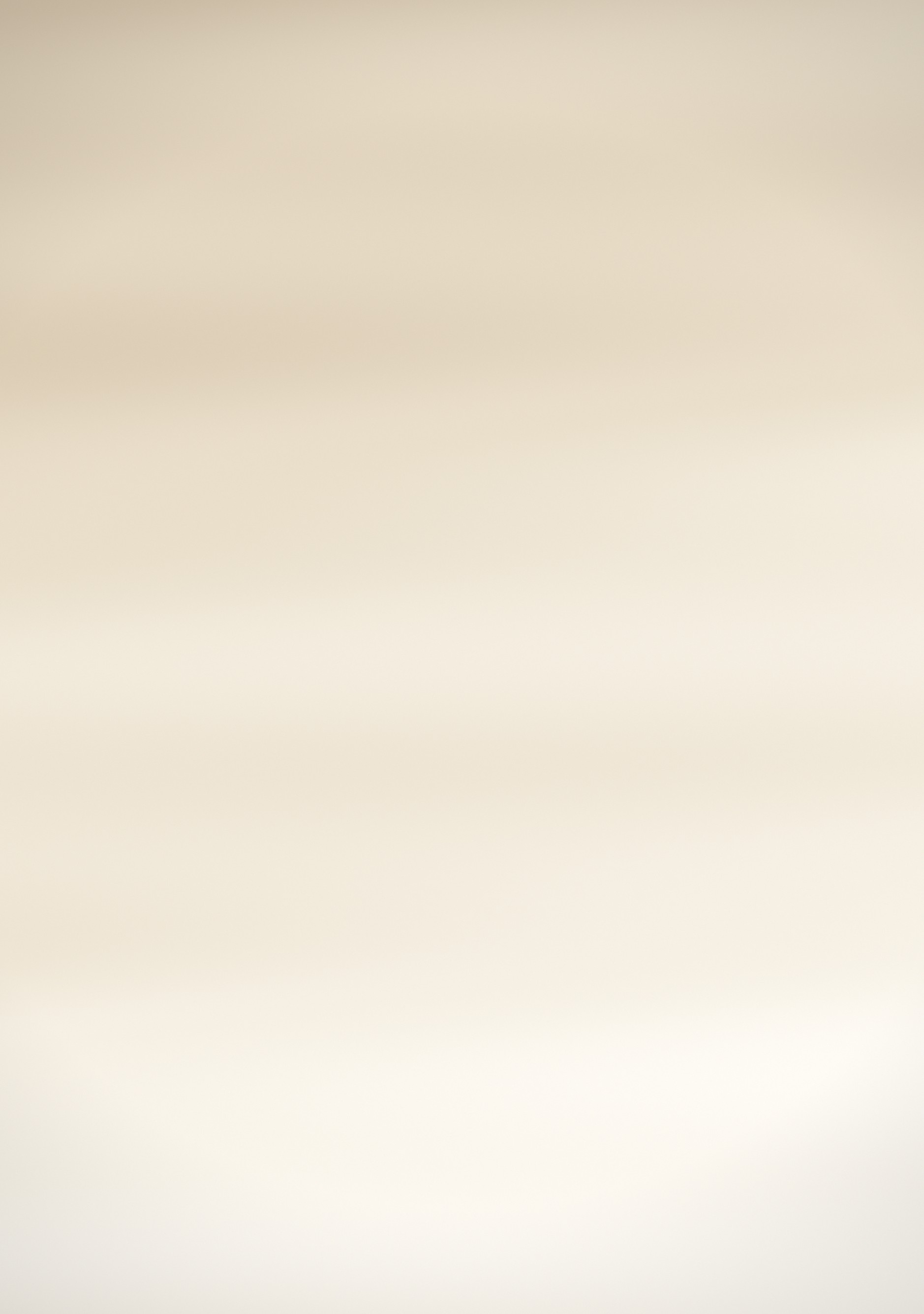
Warm off-white with soft horizontal grain, like uncoated paper.
Duo Themes / Wallpapers / Paper Ivory
Warm off-white with soft horizontal grain, like uncoated paper.
Free for personal use. Drawn by Duo Themes — no stock photography, no third-party artwork.
Paper Ivory is a warm neutral with a faint horizontal grain running through it — close to the look of uncoated stock under even light. There is no focal point by design. It is a background in the literal sense: something for icons and widgets to sit on that adds warmth and nothing else.
The grain is the part that needed two separate files. Rendered once and scaled up, the grain on the inner screen would be visibly coarser than on the cover; drawn at each size, it stays the same physical fineness on both panels, which is what makes the pair feel like one material.
This is the most useful wallpaper here for a text‑heavy Home Screen — calendar widgets, note widgets, a countdown — because dark type on warm paper is simply easier to read than dark type on a coloured gradient.
If it ends up cropped or zoomed, this is usually why.