Duo Themes
Duo Themes / Wallpapers / Mono Slate
Mono Slate
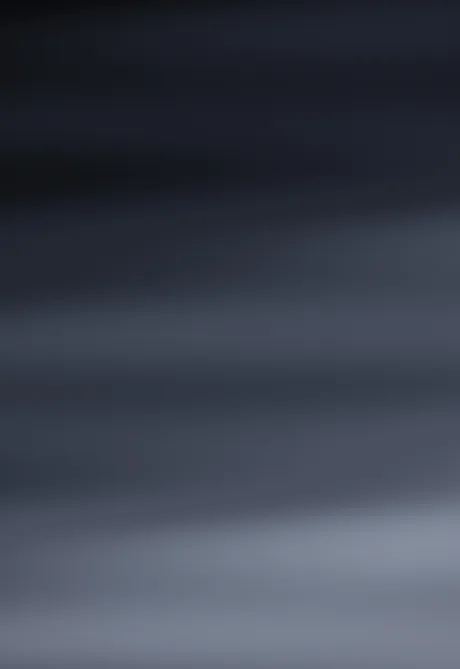
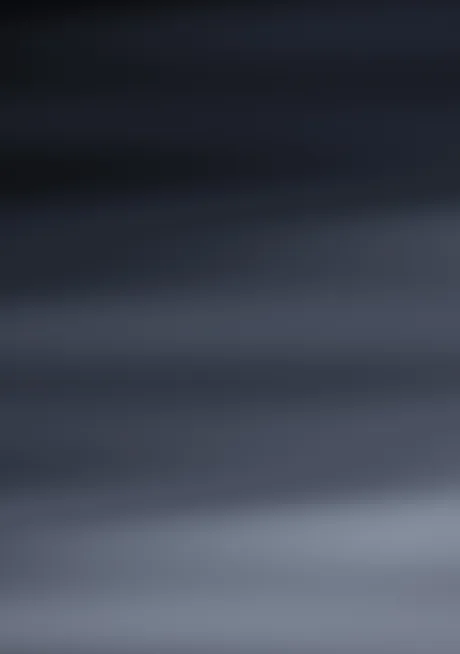
Brushed greys from near-black to steel. No colour at all.
Duo Themes / Wallpapers / Mono Slate
Brushed greys from near-black to steel. No colour at all.
Free for personal use. Drawn by Duo Themes — no stock photography, no third-party artwork.
Mono Slate removes hue entirely. It runs from near‑black at the top through graphite to a steel highlight, with a soft horizontal grain that keeps it from looking like a flat fill on an OLED panel.
A neutral wallpaper is the practical choice when your icons already carry colour — a grey background lets a colourful app grid look deliberate instead of accidental. It is also the safest base if you change widget palettes often, since nothing you put on top of it will clash.
The grain matters more than it sounds. Pure grey gradients band badly on OLED screens, especially large ones at low brightness. Both files carry a small amount of noise specifically to prevent that, which is why they look clean at night on the inner display.
If it ends up cropped or zoomed, this is usually why.