Duo Themes
Duo Themes / Wallpapers / Gold Dune
Gold Dune
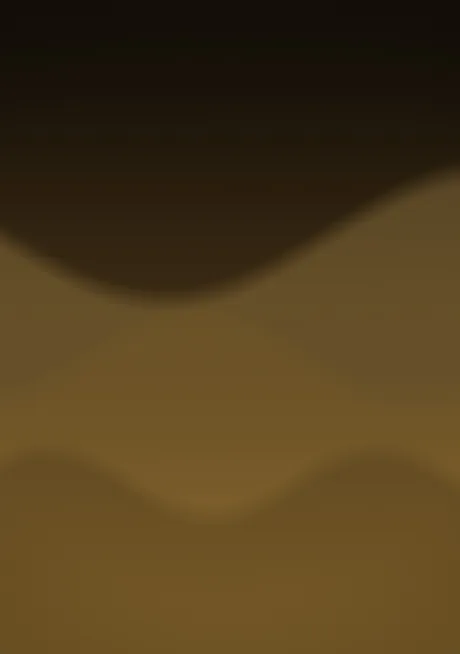
Stacked dune curves in bronze and old gold.
Duo Themes / Wallpapers / Gold Dune
Stacked dune curves in bronze and old gold.

Free for personal use. Drawn by Duo Themes — no stock photography, no third-party artwork.
Gold Dune layers three soft curves across a bronze gradient, each one a shade lighter than the last, like dunes at the end of the day. It is the only wallpaper here with a horizon, which gives the screen a top and a bottom in a way a radial glow never does.
The curve heights differ between the two files. On the cover screen there is simply less vertical room, so the curves sit closer together and lower; on the inner screen they spread out. Scaling one file would have squashed the proportions and the horizon would have landed in the wrong place on one of the two screens.
Warm, quiet and better on the Home Screen than the Lock Screen — the curves give your icon rows something to sit on.
If it ends up cropped or zoomed, this is usually why.