Duo Themes
Duo Themes / Wallpapers / Forest Glass
Forest Glass
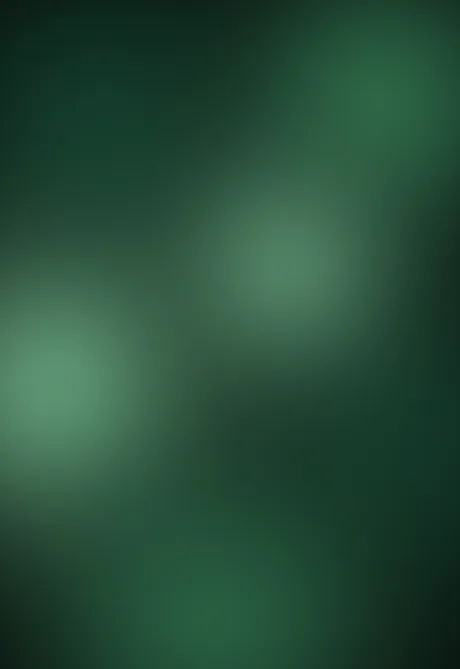
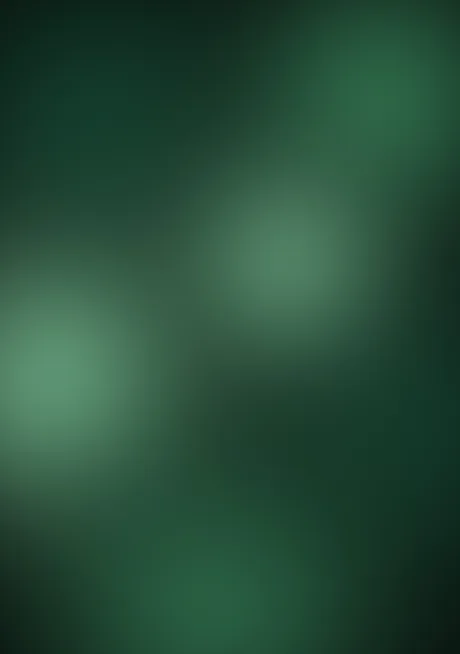
Overlapping green blooms, like light through leaves.
Duo Themes / Wallpapers / Forest Glass
Overlapping green blooms, like light through leaves.
Free for personal use. Drawn by Duo Themes — no stock photography, no third-party artwork.
Forest Glass overlaps several soft green blooms at different depths so the image has layers rather than a single gradient. The effect is closer to light coming through leaves than to a colour wash, and it holds up at both screen sizes because each bloom is placed individually in each file rather than scaled together.
Green is the easiest dark colour to live with over long periods — it is restful at low brightness and it does not shift the colour of everything you put on top of it the way blue and purple do.
Works with almost any icon colour. If you want one wallpaper to leave on the phone and forget about, this and Deep Sea are the two to try.
If it ends up cropped or zoomed, this is usually why.